
Place SaaS Pricing Page FAQs Without Hiding Essential Facts
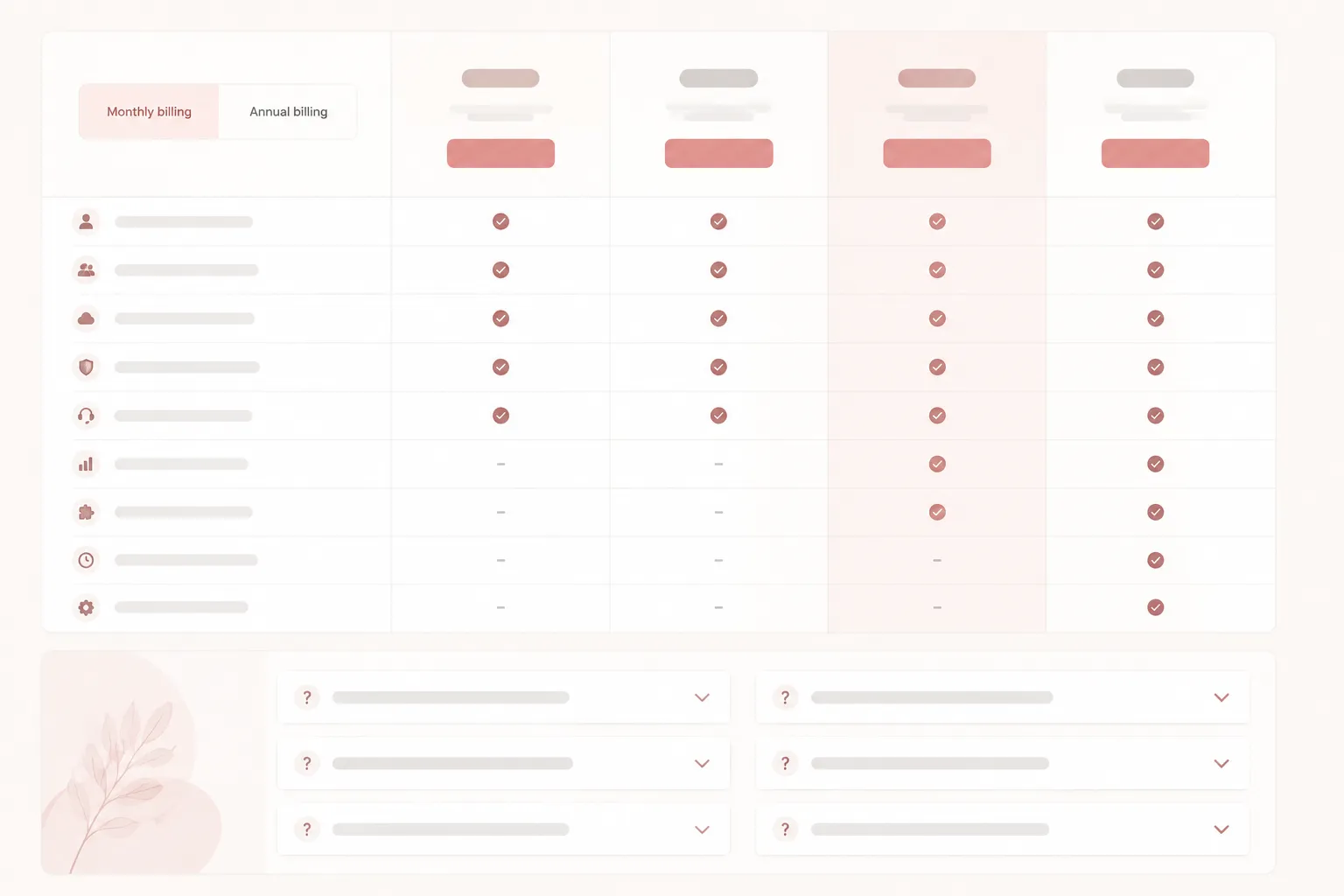
Place the FAQ after or alongside the primary pricing comparison, while keeping every plan-defining fact visible in the main flow.
For a buyer comparing plans, the pricing table should show the information needed to distinguish columns without opening another section. Use the FAQ for follow-up questions: definitions, exceptions, billing explanations, limits, and conditions that clarify the comparison.
If a fact changes how a buyer compares, selects, or prices a plan, keep it in the visible pricing flow. If it explains that fact, place it in the FAQ.
This division keeps SaaS pricing page FAQ placement useful without turning the FAQ into a storage area for essential information.
What Belongs in the Visible Pricing Flow?
The visible pricing flow includes the pricing table, plan columns, feature rows, tier descriptions, billing controls, and nearby explanatory text.
Keep these details visible when they affect plan comparison:
- Price and billing period
- Differences between plan columns
- Feature availability
- Usage limits and included quantities
- Billing units or usage measures
- Minimum commitments or relevant increments
- Add-ons that change the available configuration
- Important eligibility conditions
- Trial, seat, account, or usage conditions that affect selection
- Renewal or recurring-charge details that affect the displayed price
A buyer should be able to identify the main differences between plans from this area. The FAQ can explain a limit, but it should not be the only place where the limit appears.
For example, the table might show that one plan includes 10 seats and another includes 50. The FAQ can explain how additional seats are counted. It should not be the first place where the difference becomes visible.
What Should the FAQ Explain?
An FAQ works best when it answers questions that arise after the primary comparison.
Useful subjects include:
- What a pricing term means
- How a feature in the table works
- How billing is calculated
- What happens when a usage limit is reached
- Which exceptions apply to a plan
- How an add-on interacts with a plan
- Which customer or account conditions affect eligibility
- How billing frequency changes the displayed amount
- Whether a feature has a separate usage allowance
- What a buyer should check before selecting a plan
These are secondary questions because they support interpretation. They should not replace the basic comparison information.
Remove the FAQ temporarily and inspect the table. If a buyer can still identify the price, plan differences, feature availability, limits, and important conditions, the placement is serving the right role.
Where Should FAQs Appear?
For most comparison-focused pages, place the FAQ below the main pricing table. It can sit beside the table when both areas remain easy to inspect.
The exact position depends on the page structure. The visibility boundary matters more than a fixed screen position.
Place a short clarification near the table when buyers need immediate context for:
- A billing unit
- A plan limit
- A feature label
- An add-on
- A usage condition
- A plan eligibility rule
Use a fuller FAQ after the comparison when questions cover broader follow-up topics, such as account setup, billing administration, or plan changes.
Do not move the FAQ above the pricing table merely to make it prominent. If it pushes the comparison too far down the page, buyers may encounter explanations before seeing the object they need to compare.
Start with the table. Then place clarification where it addresses a specific reading problem.
How Do Table Facts and FAQ Details Differ?
Use the table for the answer and the FAQ for the explanation.
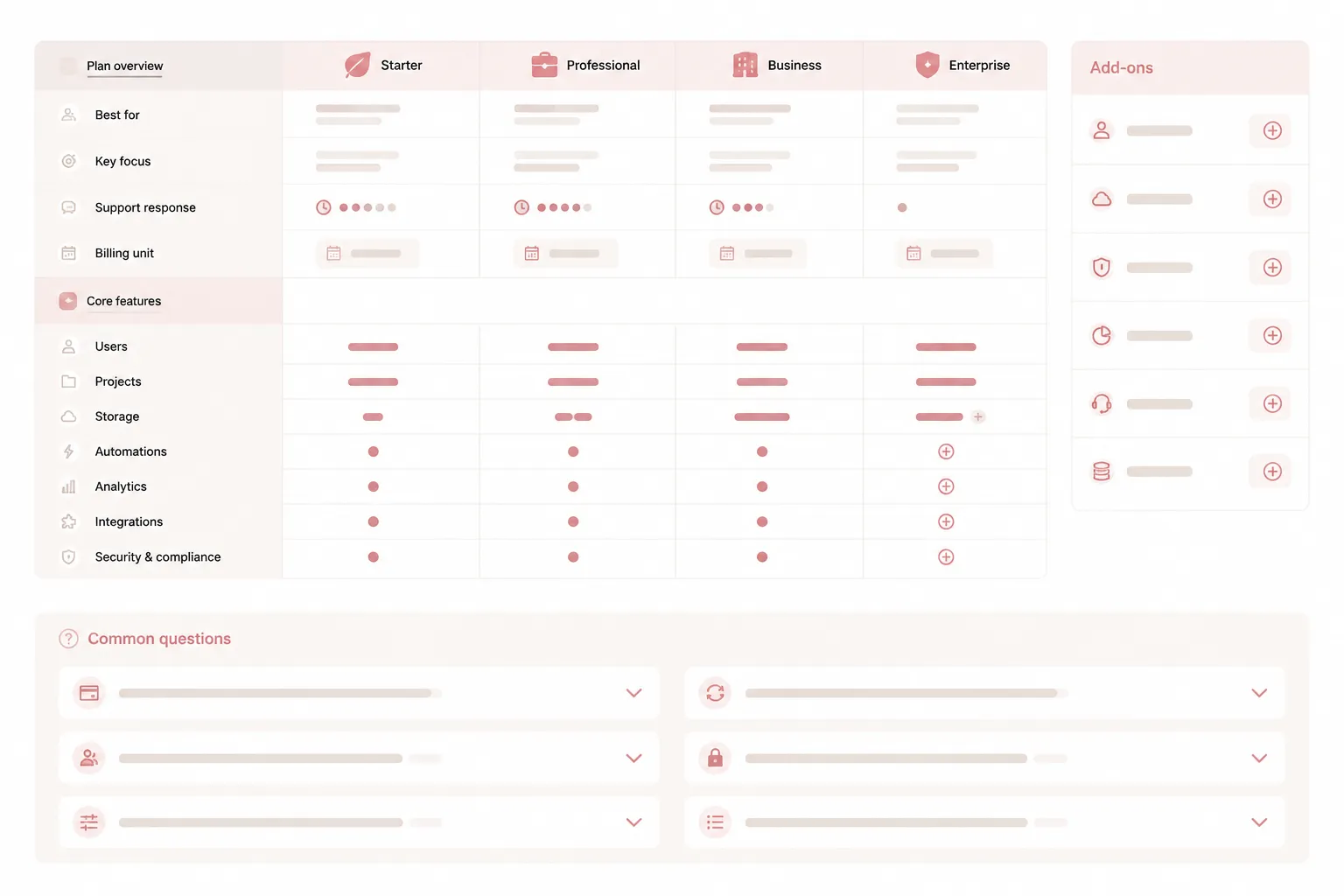
| Buyer question | Visible pricing flow | FAQ follow-up |
|---|---|---|
| What does this plan cost? | Show the amount and billing period. | Explain billing examples or calculation details. |
| Which plan includes the feature? | Mark availability in the feature row. | Define the feature or describe its limits. |
| How much usage is included? | Show the quantity or allowance. | Explain measurement, overage, or reset behavior. |
| Is the add-on included? | Show whether it is included or separate. | Explain how the add-on works with each plan. |
| Who can choose this plan? | Show the important eligibility condition nearby. | Explain the condition in more detail. |
| What does annual billing mean? | Show the billing option and relevant price. | Explain billing timing or account-level details. |
Avoid vague labels such as “more,” “advanced,” or “custom” when the difference affects selection. The FAQ may define the label, but the comparison signal still belongs in the plan column or feature row.
What Should a Collapsible Pricing FAQ Show?
A collapsible FAQ can reduce visible page length, but collapsed content remains secondary content. The control must make the question identifiable, and the expanded answer must remain associated with it.
During an interaction pass, check that:
- Each question is distinct from surrounding text.
- The control can be operated with a keyboard.
- The expanded and collapsed states are understandable.
- The answer appears close enough for its question to remain clear.
- The control has a usable name or label.
- Opening one answer does not make nearby questions difficult to locate.
- Expanded content does not obscure the pricing table or primary action.
- The mobile layout preserves the question, control, and answer relationship.
The W3C Accordion Pattern provides an implementation reference for these interaction checks. It does not replace a formal accessibility review or establish that a page meets a particular legal or technical standard.
A collapsible control saves space. It does not make essential information suitable for hiding.
How Does FAQ Placement Affect Mobile Comparison?
On mobile, a pricing table may become a stacked list, horizontal scroll area, or condensed comparison view. Each choice changes how buyers move between plan details and the FAQ.
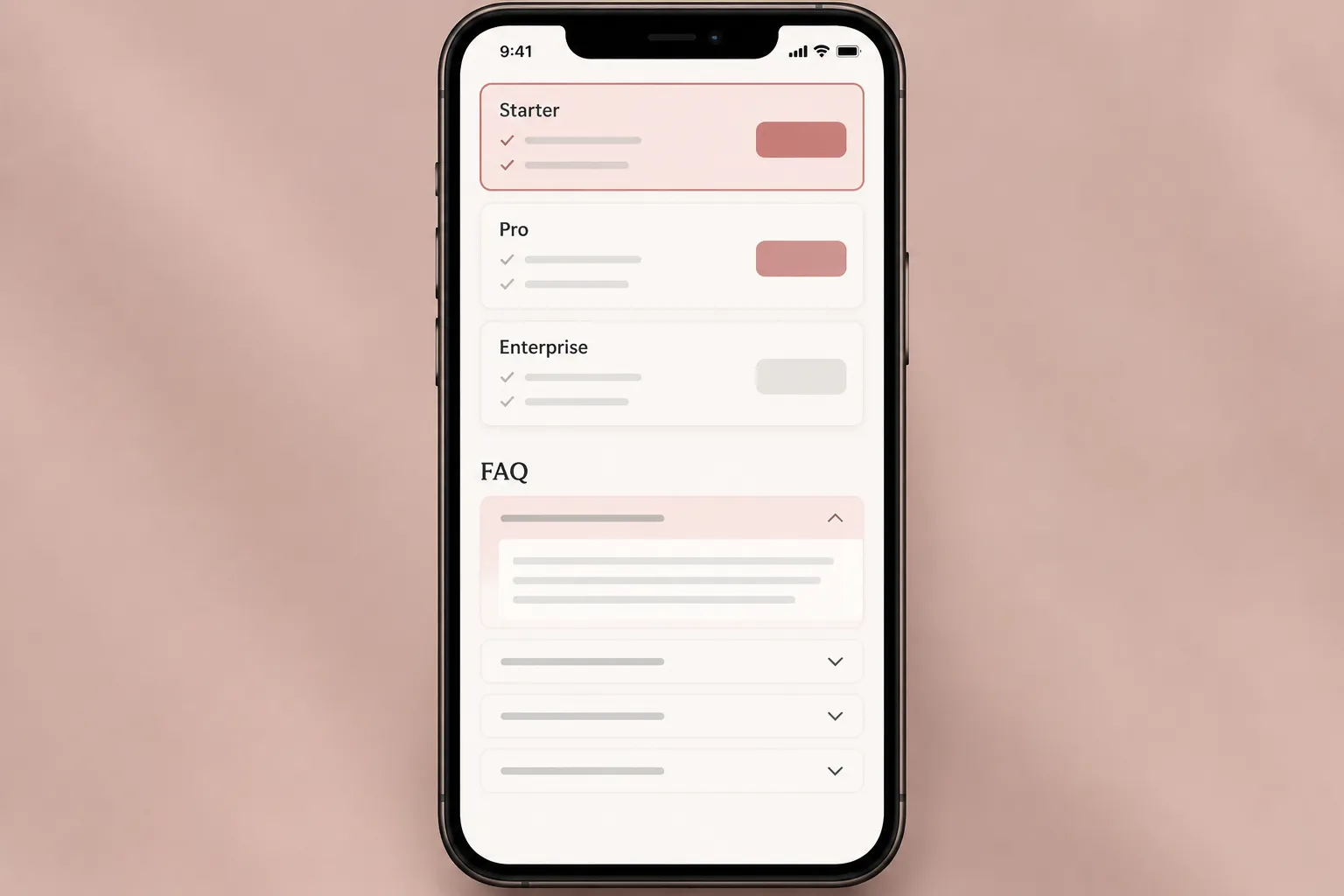
Run a mobile pass with these questions:
- Can the buyer identify the current plan or tier?
- Can the buyer see the price and billing period without opening an FAQ?
- Are feature availability and limits still visible?
- Are add-ons and eligibility conditions close enough to the relevant plan?
- Can the buyer open and close FAQ answers without losing their place?
- Does expanded FAQ content push important comparison facts away from the current view?
- Are long answers readable without creating an oversized block?
- Do labels remain clear when the table changes shape?
A desktop layout may place the FAQ beside the pricing table. On mobile, the same structure may separate the question from the plan it explains. Review the mobile arrangement as its own comparison flow.
Do not assume that a desktop disclosure pattern remains understandable after responsive changes.
A Brief-Ready FAQ Placement Method
Use this sequence before handing the page to design or development.
1. List the comparison facts
Write down every fact a buyer must compare across plan columns:
- Price
- Billing period
- Features
- Limits
- Usage units
- Add-ons
- Eligibility
- Important recurring or renewal conditions
This list becomes the visible-content requirement.
2. Mark the secondary questions
For each comparison fact, list the questions that explain it. These may concern definitions, exceptions, billing details, or edge cases.
Do not place the fact in the FAQ simply because the explanation is longer.
3. Assign the visible owner
Give each fact a clear location: plan header, feature row, tier description, billing control, add-on block, or nearby note. The buyer should not need to infer which plan owns a condition.
4. Assign the FAQ owner
Use the FAQ for the explanation that follows the visible fact. Keep terminology consistent between the table and the answer.
If the table says “included seats,” do not call the same quantity “licensed users” in the FAQ without defining the difference.
5. Run desktop and mobile QA
Inspect the comparison flow at both widths. Confirm that the table remains understandable and that FAQ disclosure behavior does not hide or interrupt essential information.
6. Verify before publishing
Check the final page against the current pricing data. Plans, features, limits, add-ons, and FAQ explanations should describe the same published offer.
Common Misunderstandings
“The FAQ can contain all the details.”
It can contain detailed explanations. It should not contain all plan-defining facts.
A buyer comparing plans needs the main differences in the comparison flow. Otherwise, the buyer must repeatedly open answers and remember details across separate plan sections.
“An accordion makes the page easier to scan automatically.”
An accordion can reduce visible page length. It can also weaken the question-and-answer relationship when labels, states, or spacing are unclear.
Inspect the interaction. Do not treat the component name as proof of usability.
“Eligibility belongs only in the FAQ.”
If eligibility determines whether a buyer can choose a plan, show that condition near the plan. Use the FAQ to explain exceptions or provide context.
“Billing details are too technical for the table.”
Show the billing fact that changes comparison, then explain the mechanics in the FAQ.
For example, show whether pricing is per user, per account, or usage-based when that distinction affects the displayed amount. Define the calculation afterward.
Final Publishing Check
Read the page as a buyer comparing two plan columns. Confirm that the buyer can see which plan costs what, which features differ, which limits apply, which billing unit is used, which add-ons are separate, and which eligibility conditions matter.
Then open every FAQ item in a keyboard and mobile pass. Verify that the question, control, answer, and expanded state remain understandable.
The strongest SaaS pricing page FAQ placement is not a fixed location. It is a clear division of responsibility: the pricing flow shows what must be compared, and the FAQ explains what still needs clarification.
Sources
- FAQ Pages: Frequently Asked Questions
- Accordion Pattern
- A User-Centered Approach to Landing Page Optimization in a Software-as-a-Service Business
- Pricing4SaaS: Towards a Pricing Model to Drive the Operation of SaaS
- Online Terms and Conditions: Improving User Engagement, Awareness, and Satisfaction through UI Design