
Create an Evidence Record for a SaaS Pricing Page Trust Cue
A production-ready SaaS pricing page trust cue evidence record connects one visible page element to one buyer comparison task.
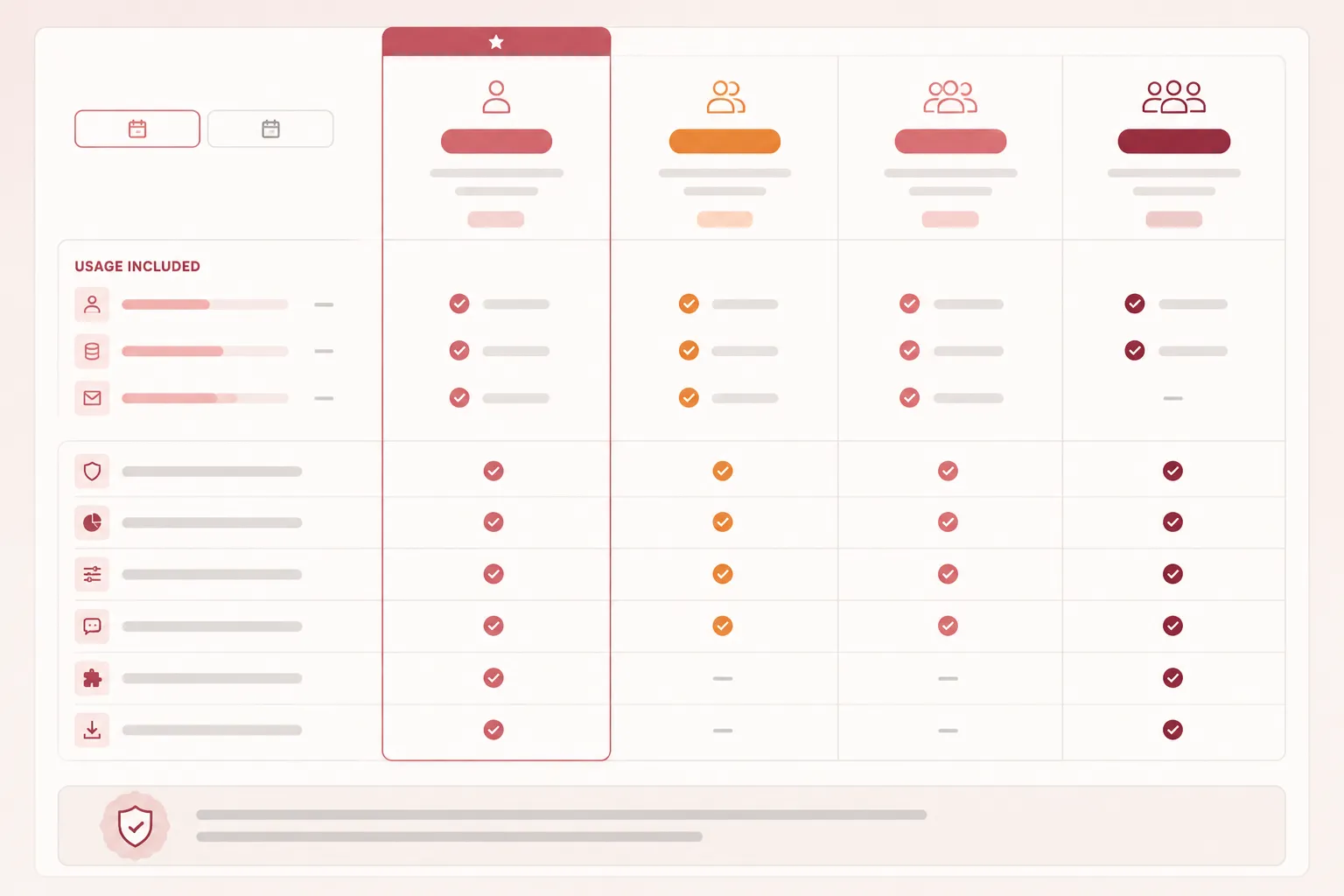
Record what the pricing table shows, what a buyer can compare, what remains unclear, and which page check must happen before publishing. Do not record “this builds trust” as the main evidence. Record the cue and the condition that makes it inspectable.
Start With One Buyer-Visible Cue
Choose a cue that appears in the pricing table or directly beside the plan comparison. Suitable examples include:
- A billing-period label beside the displayed price
- An included usage or capacity value
- A feature row that distinguishes plan availability
- An add-on block that explains its pricing relationship
- A cancellation or commitment explanation near the plan selector
- A support description attached to a specific tier
- A note explaining how limits apply across plans
The cue must be specific enough to inspect. “The page feels transparent” is too broad. “The annual billing condition appears beside the displayed price” is recordable.
Can a buyer identify what changes between plans, what the displayed price covers, and what still needs clarification?
That question keeps the record tied to the table rather than to a general brand impression.
Fields for the Evidence Record
1. Cue Name
Give the cue a short operational name.
Example: Included limits shown beside each plan price
Avoid names such as “trust-building pricing design.” That label assumes an outcome the page has not demonstrated.
2. Page Location
Record exactly where the cue appears and how it relates to nearby information.
- Pricing table, plan column, feature row, or adjacent disclosure
- Desktop and mobile location
- Relationship to the primary price
- Relationship to the call-to-action
- Whether it remains visible after the table collapses or scrolls
Example: The cue appears in each plan column below the primary price and above the call-to-action. On mobile, it must remain associated with the relevant plan after the columns stack.
A location note makes the record brief-ready for design, content, and QA review.
3. Buyer Comparison Task
State what the buyer is trying to compare.
Example: A buyer is comparing monthly capacity and included features to identify which plan matches the expected service requirement.
SaaS-focused research describes plan comparison in terms of pricing, technical parameters, and viewing multiple plans together. That supports recording the comparison task itself. It does not establish that a particular visual treatment improves trust, conversion, or revenue.
4. Visible Evidence
List only what another reviewer can inspect on the page.
- Plan name
- Displayed price
- Billing period
- Included capacity
- Feature availability
- Usage window, where shown
- Add-ons or exclusions
- Explanatory labels attached to each value
Example: The table shows the plan name, recurring price, monthly usage limit, and priority support status. The billing period appears beside the price. Additional usage is described in a separate note.
Use the exact page wording during production. Do not replace a precise label with a stronger interpretation.
5. Comparison Result
Describe what a buyer can compare after reading the cue.
Example: The buyer can compare the price and included usage for each plan without leaving the pricing table. The record does not establish whether those values are sufficient for the buyer’s decision.
A page can make values visible while leaving the comparison incomplete.
6. Observable Limitation
Record what the cue does not show or what could cause confusion.
- The billing period is separated from the price
- A usage limit appears only in a tooltip
- Feature rows use different labels between plans
- Add-on charges appear below the table
- The same term has different meanings across tiers
- Mobile stacking separates a feature from its plan
- The table shows capacity but not how overage is handled
- Support descriptions are not tied to a specific plan
- A “from” price does not explain the price range
Example: The table shows the included monthly limit but does not state whether unused capacity carries forward. This is an information gap, not evidence that the plan is misleading.
Keep the limitation observable. Avoid assigning intent to the business or predicting the buyer’s reaction.
Worked Reading: Plan Price and Included Usage
The following example uses a buyer-inspectable cue rather than a performance claim.
- Cue: Plan price paired with included usage limit
- Location: Pricing comparison table, repeated inside each plan column
- Buyer task: Compare the cost and included capacity of multiple plans
- Visible evidence: Each column displays the plan name, recurring price, billing period, and included usage limit. Feature rows indicate which capabilities are available at each tier.
- Comparison condition: Multiple plan columns remain visible together on desktop. On mobile, the comparison changes to stacked or horizontally scrollable content and requires a separate inspection pass.
- Observable limitation: The page does not explain how overage, unused capacity, or add-on pricing relates to the displayed plan price.
- Production check: Verify that the price, billing period, limit, and explanatory label stay visually associated at every supported viewport.
- Evidence status: The cue is observable if the fields are present. Its effect on trust, conversion, revenue, or decision speed remains unverified.
This format gives design, content, and QA teams one shared object to inspect.
Keep Pricing Terms Consistent
A pricing page often combines price and billing model, features, capacity limits, support level, service descriptions, add-ons, conditions, and exclusions.
Pricing material for SaaS products treats pricing as more than a number. Capabilities, support, and service conditions give the number meaning. For the evidence record, include the surrounding condition that a buyer needs to interpret the price.
A number without its billing period is incomplete. A feature without its plan association is difficult to compare. A usage limit without its time window may leave the buyer unable to interpret the allowance.
Record the price together with the condition that defines what the price covers.
A separate trust badge cannot replace missing plan information. An icon or label may draw attention, but the comparison still depends on the underlying fields.
Check Labels Before Styling
Labels are part of the evidence record because they determine whether a visible value can be interpreted.
- Use the same term consistently across plans
- State the unit of measurement
- State the billing or usage period
- Describe included and excluded items
- Show the relationship between each label and its value
- Explain abbreviations where they appear
- Do not rely on color alone
For example, “10,000 events” leaves questions if the page does not state whether the value is monthly, annual, or one-time. Likewise, “Advanced support” needs a nearby explanation when the buyer must compare it with another support tier.
Guidance on online disclosure emphasizes information that is clear, accurate, accessible, conspicuous, and understandable. Use that as a planning boundary for labels, not as evidence that the current page meets a formal requirement.
Run a Mobile Pricing Comparison Check
A desktop table can show several plan columns together. A mobile layout may stack, scroll, collapse, or hide rows. Record the mobile behavior explicitly.
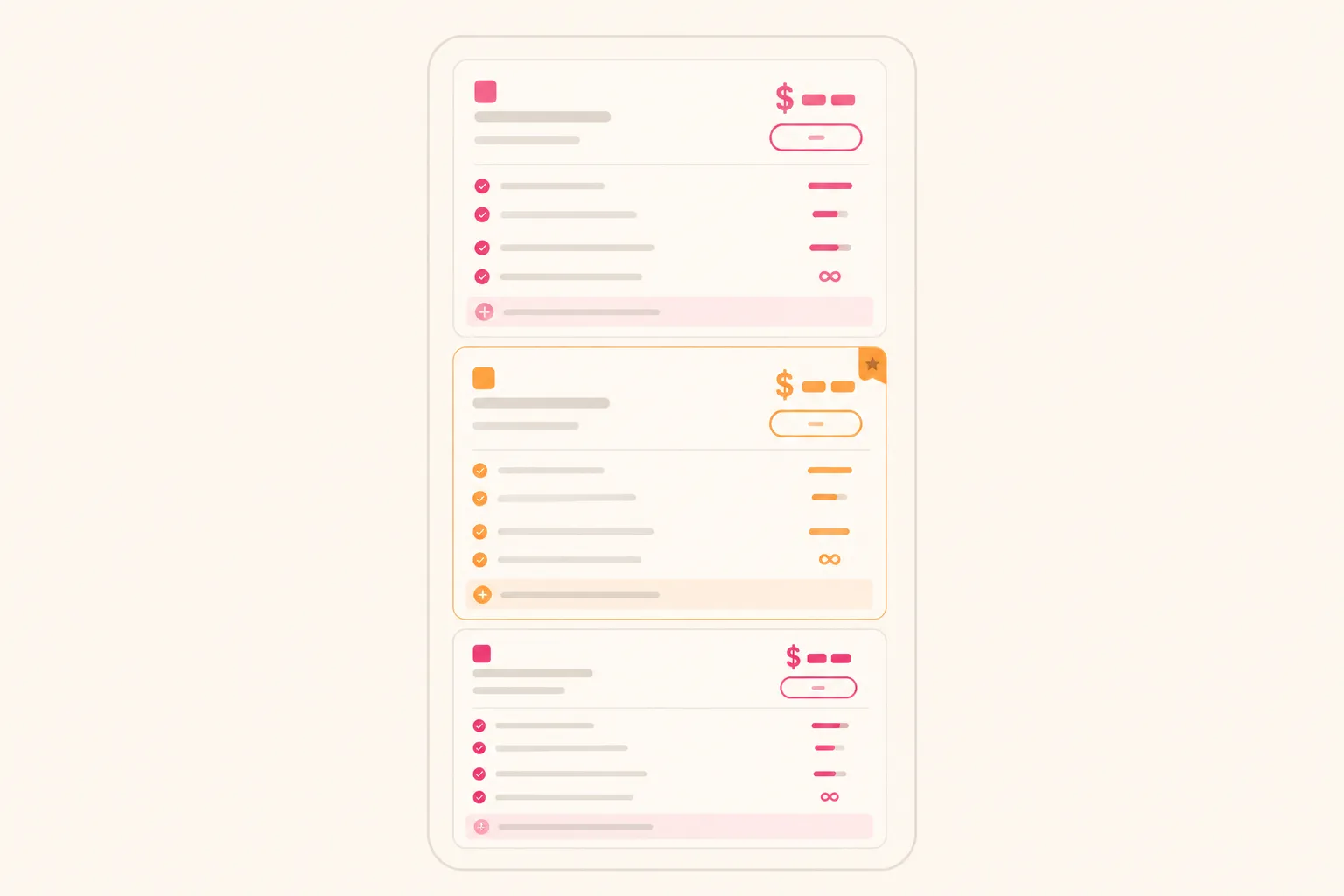
Mobile Pass
- Does the plan name stay attached to the price?
- Does the billing period remain visible?
- Do usage limits stay near the relevant plan?
- Do feature rows retain their plan association?
- Does horizontal scrolling expose every required column?
- Do collapsed rows reveal their full labels?
- Does add-on information remain discoverable?
- Is the primary action still connected to the plan details?
- Does text wrap without creating an ambiguous label?
- Can the buyer return to the plan name after scanning a long feature list?
This is an editor-proposed inspection step. The available material does not verify the target page’s mobile rendering, accessibility status, or current behavior.
Reviewing only a desktop screenshot can miss the point where a trust cue stops being buyer-inspectable.
Separate Evidence From Interpretation
Use three layers in the record.
Observed
What appears on the page.
Example: The annual billing label appears below the displayed price.
Interpreted for Comparison
What the visible arrangement allows a buyer to inspect.
Example: The buyer can identify the billing period without opening another section.
Not Established
What the record cannot prove.
Example: The record does not show that this arrangement increases trust, reduces hesitation, or improves sign-up performance.
Research on price transparency distinguishes the amount of information shown from whether that information is sufficient and diagnostic for the task. More rows do not automatically produce a better comparison. The practical question is whether the displayed information identifies the difference that matters for the selected plan.
Add a Source-Rights Note
If the cue uses an icon, illustration, customer mark, product screenshot, or other asset, add a source-rights field to the production record.
- Asset name
- Intended placement
- Source or owner
- Permission status
- Required attribution
- Approved modification
- Replacement asset if approval remains unresolved
This is a publishing workflow note, not a legal determination.
Keep the asset subordinate to the pricing evidence. An illustration beside the table should clarify a billing condition, plan difference, or service boundary. It should not obscure the price or require the buyer to decode a decorative symbol.
Pre-Publication Verification
Before publishing, review the record against the live page or final build.
- Identify the exact trust cue.
- Confirm its location in the pricing table or adjacent area.
- Read the cue as a buyer comparing at least two plans.
- Check the price, period, limit, feature, and add-on labels.
- Note missing context or unresolved conditions.
- Repeat the inspection in the mobile layout.
- Confirm that the source-rights note is complete.
- Capture the final page state used for review.
- Mark which observations are visible and which remain unverified.
- Record the owner for each revision before publishing.
The final record should allow another reviewer to repeat the inspection without relying on the original designer’s intention.
What the Record Can and Cannot Show
A pricing page evidence record can show:
- Which cue is visible
- Where it appears
- Which plan values a buyer can inspect
- How the cue relates to the comparison task
- Which labels or conditions require clarification
- What changes on mobile
- Which publishing checks remain open
It cannot, by itself, show that the cue improves trust, conversion, revenue, accessibility conformance, legal compliance, security, or financial outcomes.
The available evidence is limited and uneven. One SaaS-focused academic thesis directly addresses plan comparison, pricing values, technical parameters, and viewing multiple plans together. Broader pricing-transparency research helps frame information sufficiency and interpretation. None of the supplied sources verifies the target page, its current behavior, mobile rendering, accessibility status, asset rights, or business performance.
Choose one visible cue, complete the record fields, and verify its relationship to the plan table during both desktop and mobile review. That produces a brief-ready pricing page trust cue evidence record without turning a visible pattern into an unsupported outcome claim.
Sources
- A User-Centered Approach to Landing Page Optimization in a Software-as-a-Service Business
- How and How Much To Reveal? The Effects of Price Transparency On Consumers' Price Perceptions
- Is transparency a good thing? How online price transparency and variability can benefit firms and influence consumer decision making
- The Inhibitory Mechanism of Information Disclosure Transparency on Purchase Hesitation in E-Commerce: A Moderated Mediation Analysis Integrating Signalling Theory and the SOR Model
- Pricing4SaaS - Supplementary Material
- Enhancing online disclosure effectiveness