
Route Unresolved Questions on a SaaS Pricing Page
A SaaS pricing page unresolved question map turns buyer uncertainty into a visible page cue and a verification step.
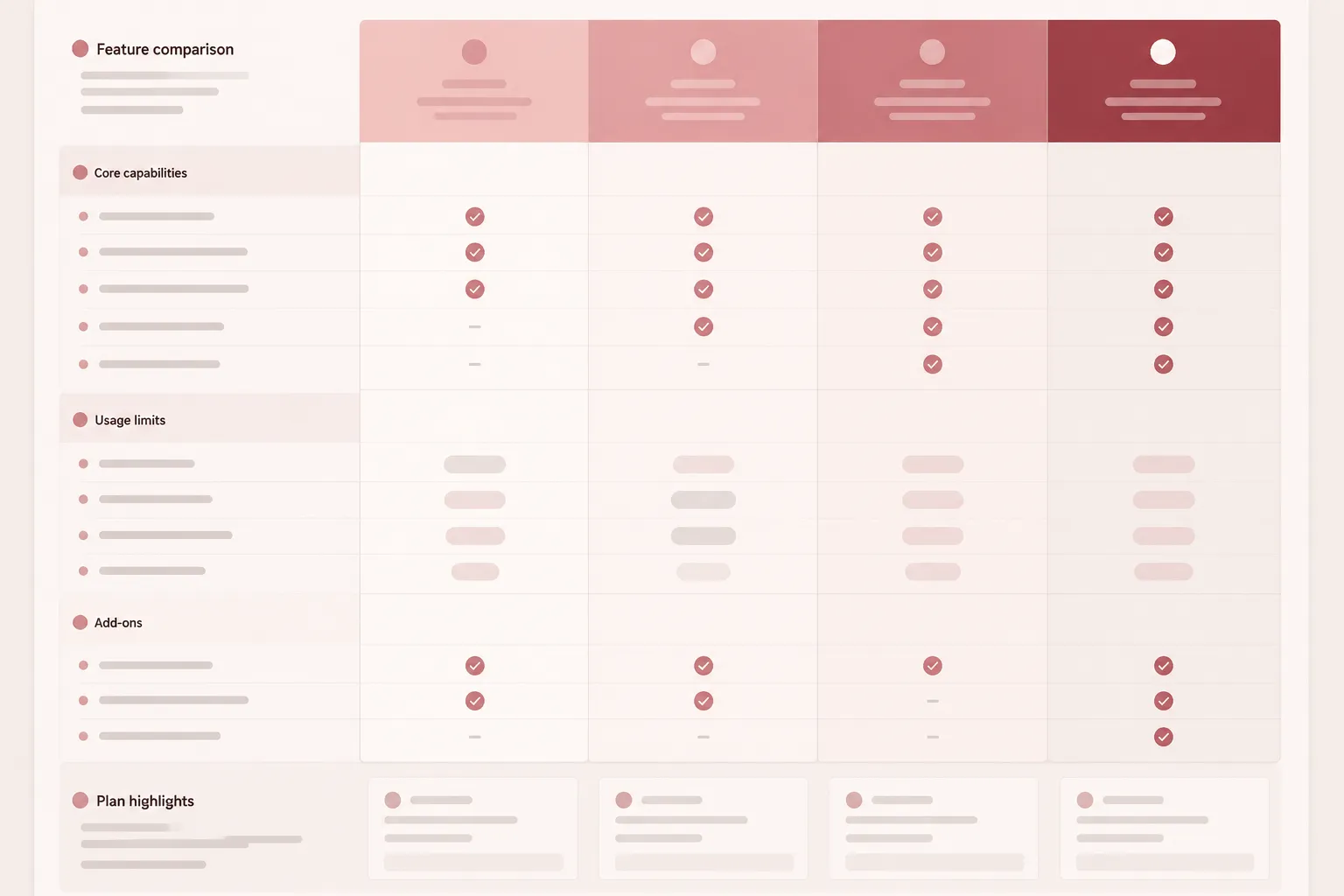
Start with the question a buyer cannot answer from the current pricing table. Then route it to the smallest page element that can resolve it:
- Plan column: the main difference between tiers.
- Feature row: included capabilities and plan states.
- Limit label: seats, usage, storage, or service boundaries.
- Add-on block: separately priced options and their plan relationship.
- FAQ asset: conditions or exceptions that do not fit the table.
- Mobile interaction: content that collapses, scrolls, or moves on smaller screens.
The production brief should connect four items:
unresolved question → comparison risk → visible cue → pre-publishing check
This keeps the review focused on what a buyer must compare, rather than on decorative layout decisions.
What Counts as an Unresolved Pricing Question?
An unresolved pricing question is a decision-relevant detail that remains unclear after a buyer scans the plan names, prices, feature rows, and primary action.
- What is included in each plan?
- Which feature separates one tier from the next?
- Is the displayed price monthly, annual, per user, or usage-based?
- What happens when a usage limit is reached?
- Are additional seats or usage charged separately?
- Does an add-on apply to every plan?
- Which plan supports the current team size?
- Does a trial use the same limits as a paid plan?
- Will the visible offer match billing and product permissions?
The issue is not whether information exists somewhere on the page. For a buyer comparing plans, the issue is whether the answer can be located, interpreted, and compared during the same inspection pass.
Build the SaaS Pricing Question Map
Use one row for each unresolved buyer question. Keep the worksheet close to the page structure.
| Unresolved question | Comparison risk | Page cue | Verification check |
|---|---|---|---|
| Which plan includes the required feature? | The buyer may compare prices without seeing the feature boundary. | Feature row with explicit plan states. | Confirm the row matches current product permissions. |
| What does the price unit mean? | A monthly total may be confused with a per-seat or usage amount. | Price label and billing-period cue. | Check the wording against the billing configuration. |
| What happens at the usage limit? | The buyer cannot estimate the next cost or service condition. | Limit label, note, or FAQ asset. | Verify the limit and consequence against the offer rules. |
| Are add-ons included? | A required option may appear to be part of the advertised plan. | Add-on block near the relevant plans. | Confirm availability, scope, and price treatment. |
| Does the mobile view preserve comparison? | A collapsed table may hide the relationship between features and plans. | Mobile table pattern or stacked comparison view. | Inspect every plan and feature state at the target viewport. |

Do not begin with a list of visual assets. Begin with the unanswered decision.
A question belongs in the table when its answer must be compared across plans. It belongs in an FAQ asset when the answer explains a condition, exception, or billing context that would make the table difficult to scan.
Route Each Question to the Right Page Element
Plan columns
A plan column should show what the buyer receives at that tier, including important limits or service boundaries. A name, price, and action alone may force the buyer to reconstruct the offer from scattered feature rows.
Brief each column around one decision: who the plan supports, what changes at that tier, which important limit it introduces, and what condition requires attention before selection. A label such as “for growing teams” does not replace a visible seat, feature, usage, or support distinction.
Feature rows
Use a feature row when the same capability appears across plans and the buyer needs to compare its availability or scope. Keep the states consistent: included, unavailable, limited, or available through an add-on.
Do not make a blank cell mean “not included” while a dash means “not applicable” unless those meanings are stated. Labels also need enough precision for comparison. “Analytics” may leave open whether the difference concerns reports, exports, retention, or usage volume.
Limit labels
Limits can create the most consequential unresolved questions. Put the unit beside the number and include a relevant time window where needed:
- Seats per workspace
- Projects per account
- Actions per month
- Storage included
- Retention period
- Usage included before additional charges
A number without a unit is not a usable comparison cue. A unit without a time window may still be incomplete.
Add-on blocks
Show an add-on when it changes the cost or capability a buyer needs to compare. Place it near the affected plans, or provide a clear relationship between the add-on and the table.
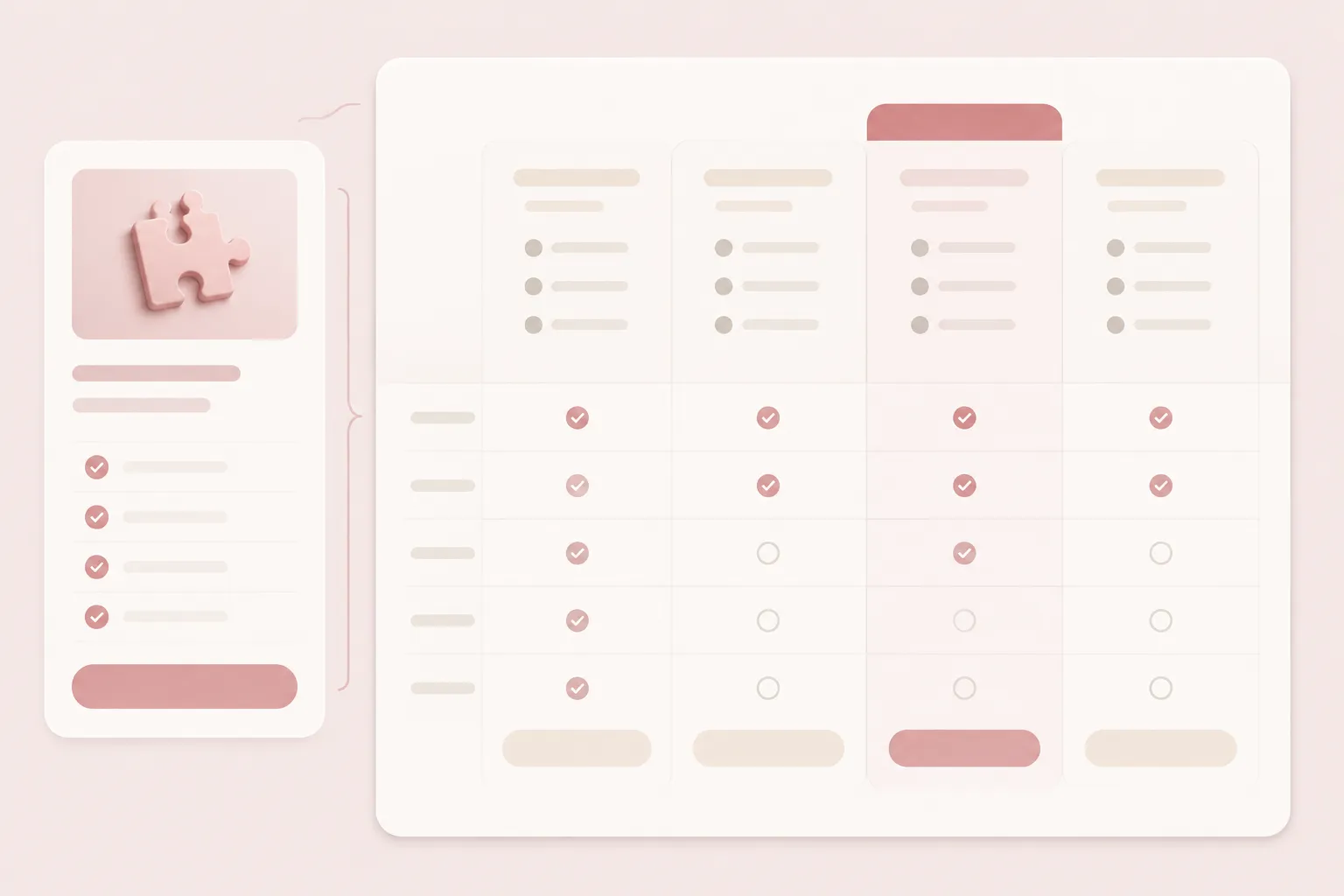
State whether it is available with selected plans, available across all plans, required for a particular workflow, or charged by seat, workspace, account, or usage. Do not hide a material required option in a distant FAQ.
Separate the Advertised Price From the Offer Conditions
The price at the top of a plan column is only one part of the comparison. Check whether the page also states the billing period, price unit, included quantity, additional-usage treatment, add-on treatment, and any trial or introductory conditions relevant to the offer.
Not every policy detail belongs inside the main table. Details that change plan comparison should remain in or beside the table. Exceptions can move to an FAQ, provided the table still carries a short cue.
Research on price transparency supports a narrow planning point: information is more useful for evaluation when it is sufficient and diagnostic, rather than merely present. That broader research does not validate a particular SaaS layout or establish a universal buyer response.
Check the Visible Offer Against the Underlying Offer
Plans, features, limits, add-ons, billing behavior, and product permissions may change at different times. Compare the visible table with the current offer model before publishing.
- Confirm that each displayed price uses the intended billing unit.
- Match every feature state to the current plan permission.
- Check each limit's quantity and time window.
- Confirm that add-ons appear for the plans that support them.
- Verify that the primary action reaches the intended plan or checkout state.
- Check that the FAQ does not describe an older condition.
- Inspect whether mobile exposes the same offer as desktop.
This is a consistency check, not evidence that a particular pricing system or layout will produce a business result. SaaS pricing research describes variation by company context, market segment, product maturity, and pricing objectives. Use that as a reason to confirm the product's own offer logic, rather than copying a generic plan structure.
Use FAQ Assets for Questions the Table Cannot Carry
An FAQ asset should answer a real comparison question that would otherwise overload the pricing table.
- How usage is counted.
- What happens after a plan limit.
- Whether plans can be changed.
- How add-ons interact with plan access.
- Which billing unit applies.
- Whether a feature is restricted by role or workspace.
- What the trial includes.
Write each question in the buyer's language, then use the same terms in the answer, plan columns, and feature rows. If a condition changes the apparent scope of a plan, surface a short cue beside the relevant table content and use the FAQ for detail.
Run a Mobile Pass on the Question Map
A desktop table may show several plan columns together. On mobile, the same content may stack, scroll, collapse, or hide relationships.
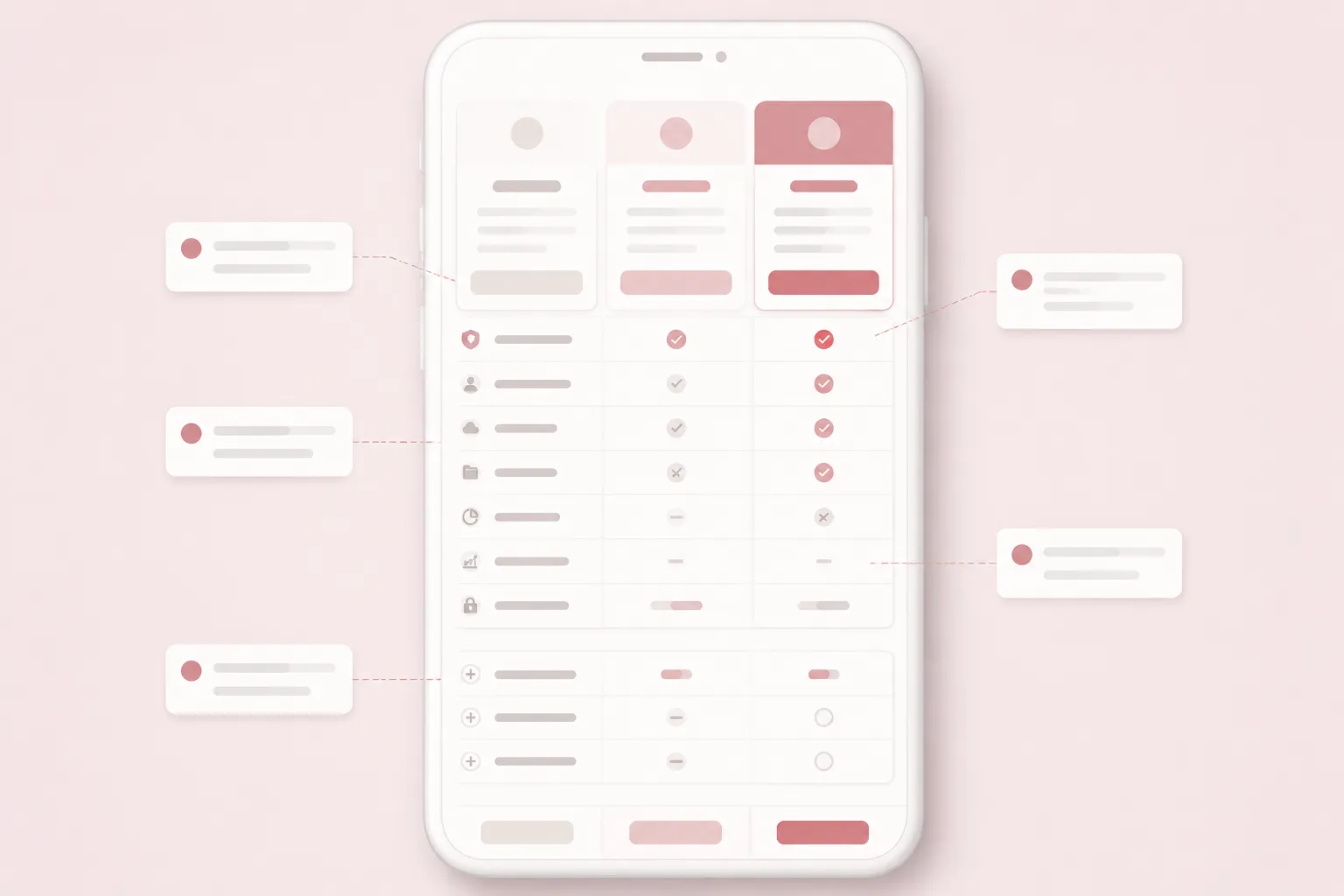
Inspect the page as a buyer comparing two specific plans. Check whether the current plan remains identifiable during scrolling, feature labels stay connected to their states, price units and billing periods remain visible, add-on notes stay near the affected plans, and the primary action remains associated with the plan under review.
Also check long labels, limit notes, and any comparison that depends on color alone. “Responsive” is not a QA result. Record the question tested and the viewport behavior observed.
At the narrow target viewport, compare the entry and middle plans. Confirm that price unit, billing period, feature states, limits, add-ons, and plan actions remain identifiable.
A Worked Reading of One Unresolved Question
Suppose the unresolved question is whether a team can use the reporting feature within the entry plan. Route it through the page in this order:
- Feature row: Name the reporting capability precisely.
- Plan states: Show whether it is included, limited, unavailable, or an add-on.
- Limit label: State the report, user, data, or retention boundary if one applies.
- FAQ asset: Explain the condition that does not fit the row.
- Mobile pass: Confirm that the row label and plan states remain connected.
- Offer check: Compare the visible state with current product access and billing rules.
The shortcut is to place “advanced reporting” in marketing copy while leaving the table unchanged. That wording may sound specific without showing the plan boundary the buyer needs to compare.
Pricing Page Production Checks
- Identify the questions a buyer must answer.
- Mark which questions belong in the table.
- Give every important plan difference a visible cue.
- Use consistent meanings for feature states.
- Include units and relevant time windows for limits.
- Place add-on relationships beside the affected offer.
- Use FAQ content for conditions and exceptions, not hidden material differences.
- Keep terminology consistent across the table, FAQ, and action labels.
- Record a source-rights note for externally supplied images or illustrations.
- Compare at least two plans in the narrow layout.
- Match prices, permissions, limits, add-ons, and FAQ statements to the current offer.
What This Map Can and Cannot Establish
The map can show whether an unresolved buyer question has a visible destination on the page. It can also give a team a concrete brief for table content, supporting assets, mobile inspection, and offer consistency.
The available research does not directly validate a specific pricing-page layout, mobile pattern, accessibility status, legal status, conversion effect, trust outcome, or revenue result. Use page-observable checks and explicit offer rules for the final decision.
Final Handoff
The completed SaaS pricing question map should give the team five things:
- The unresolved buyer question.
- The comparison risk if it remains unclear.
- The visible page cue assigned to resolve it.
- The supporting asset required for conditions or exceptions.
- The QA check that confirms the cue before publishing.
The handoff is brief-ready when a reviewer can trace each important pricing question from the buyer's decision to the table, the supporting asset, and the final page inspection.
Sources
- SaaS Pricing Practices Typology: A Case Study
- Racing the Market: An Industry Support Analysis for Pricing-Driven DevOps in SaaS
- Cloud Pricing Models: Taxonomy, Survey, and Interdisciplinary Challenges
- How and How Much To Reveal? The Effects of Price Transparency On Consumers' Price Perceptions
- Cloud PricingOps: A Decision Support Framework to Explore Pricing Policies of Cloud Services