
Buyer Questions and Feature Row Inventory
A pricing table becomes difficult before anyone chooses its layout. The first decision is which buyer questions deserve visible feature rows, how access changes between plans, and which source supports each claim.
A pricing comparison feature row inventory turns those decisions into a brief-ready working document. It gives content, product, design, and publishing teams one shared view of what the table must show and what still needs checking.
- What is the buyer trying to compare?
- Which capability, limit, or condition answers that question?
- How does access change between plans?
- What must be checked before the row appears on the page?
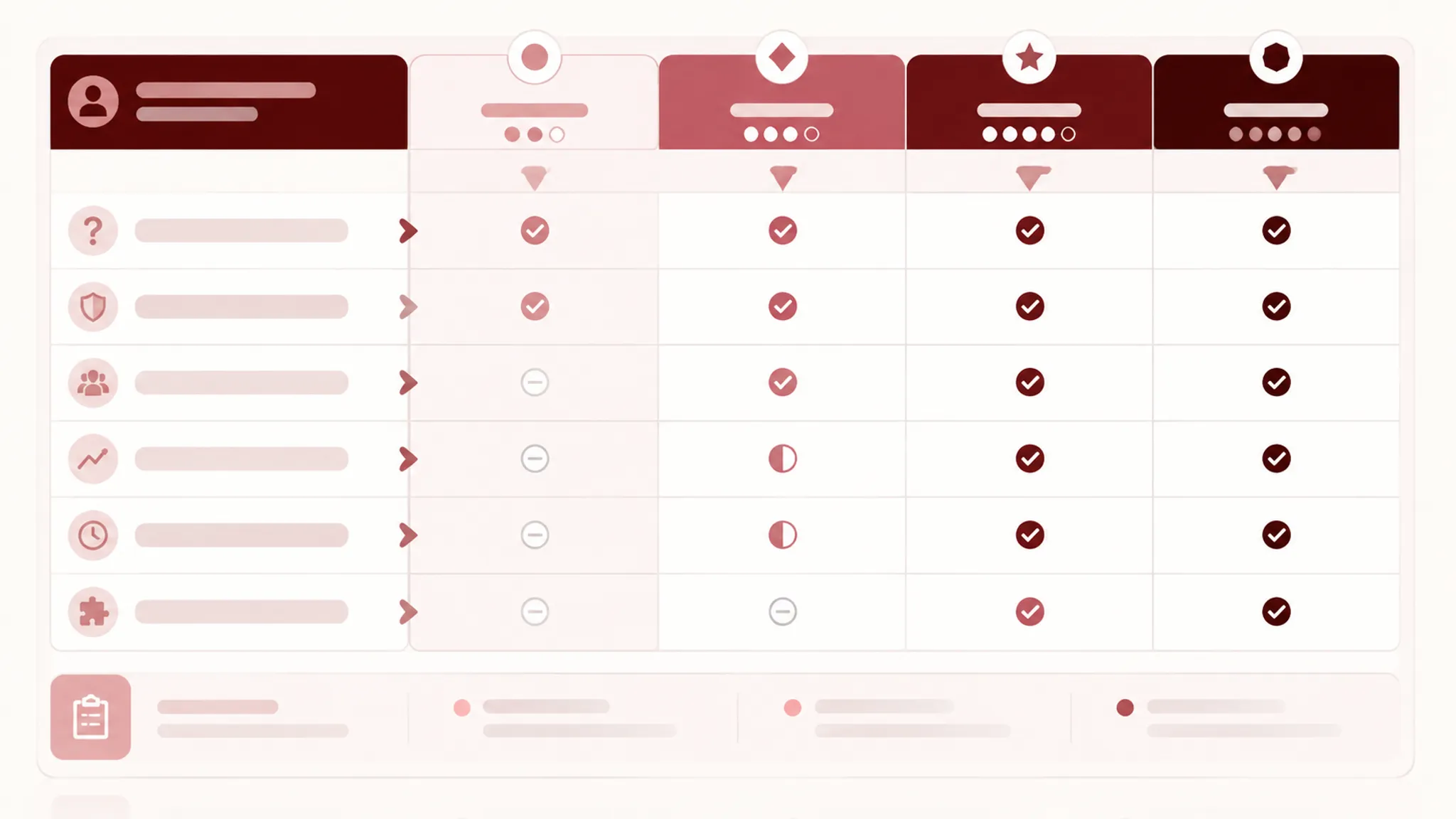
The table design comes later.
Start With Buyer Questions
A feature list begins with the product. A useful comparison begins with the buyer's decision.
A founder may ask which plan fits the current team. A team manager may inspect collaboration and usage limits. An IT or security reviewer may look for access controls. Procurement may focus on billing terms, contract pricing, support, and purchasing conditions.
Use those questions to shape the first grouping of rows. The wording is a planning prompt, not copy that must appear exactly on the page.
Common Pricing Comparison Decision Areas
| Buyer question | Possible decision area | Row direction |
|---|---|---|
| Which plan is for us? | Plan fit | Team size, intended use, account scope |
| Will my team collaborate? | Collaboration | Shared workspaces, roles, permissions |
| Can we scale usage? | Scale | Seats, projects, records, storage, usage limits |
| Can we deploy this safely? | Security and access | SSO, audit logs, access controls |
| What happens when we need support? | Support | Support channel, response condition, service scope |
| How will we purchase it? | Procurement | Annual terms, contract pricing, invoicing |
| What happens when we exceed the limit? | Usage and add-ons | Metered access, overage, add-on availability |
A row should earn its place by answering a real comparison question or showing a meaningful entitlement difference. Repeated marketing language does neither.
Replace Broad Labels With Inspectable Rows
Labels such as “Advanced features” or “Enterprise controls” compress several decisions into one claim. They also make it harder to verify whether the visible cell is accurate.
Where the product supports them, break broad labels into specific capabilities such as SSO, audit logs, custom roles, shared workspaces, usage reporting, priority support, contract billing, additional storage, and higher project limits.
Specific labels are easier to source, compare, annotate, and revise. They also make the row inventory usable during design and content review.
Build the Inventory Before Designing the Table
A spreadsheet, audit document, or structured content file can hold the first version. The format matters less than the fields it records.
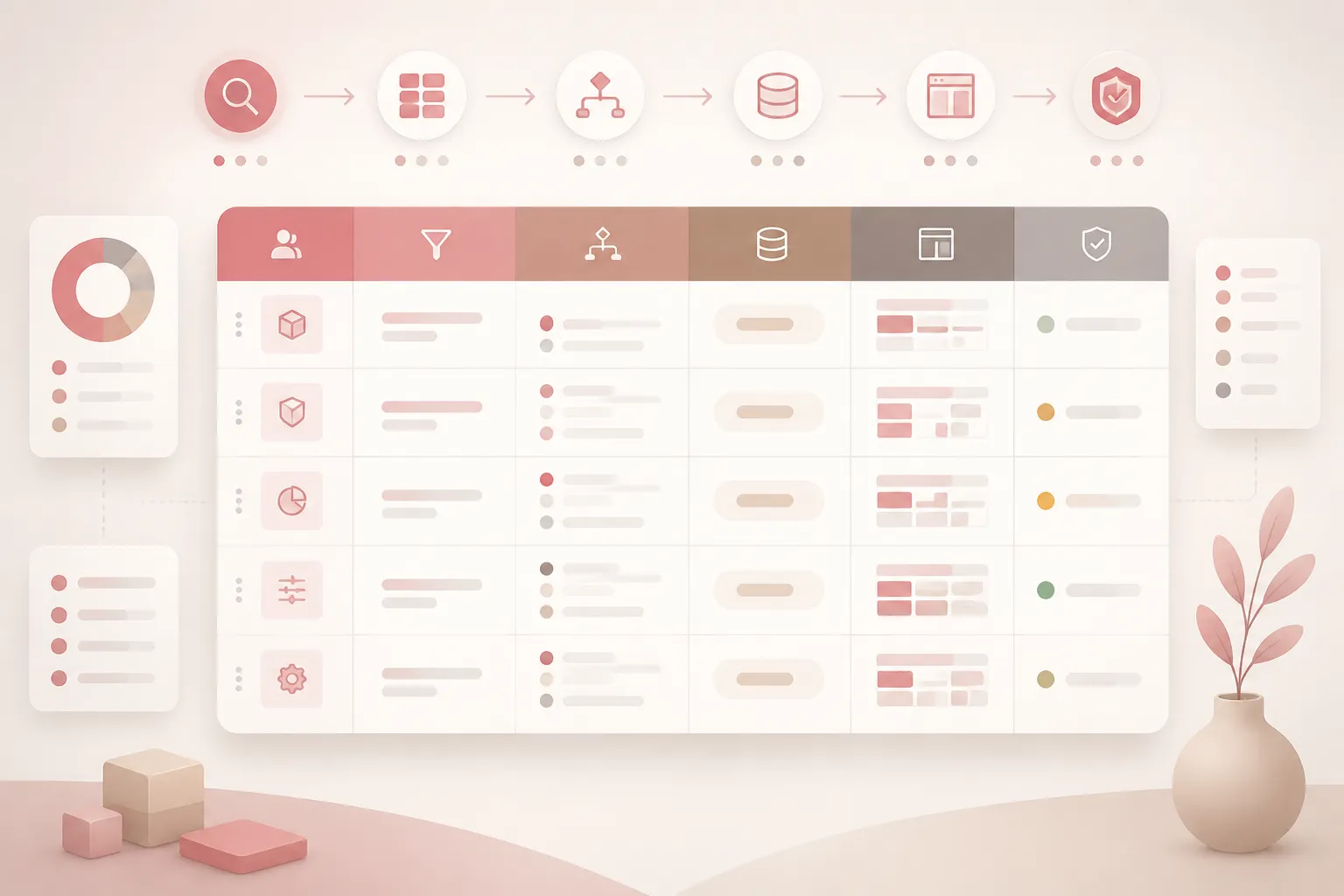
| Inventory field | What to record |
|---|---|
| Buyer question | The decision the row helps answer |
| Decision area | Access, collaboration, scale, security, support, or procurement |
| Feature row label | The specific capability, allowance, or limit |
| Buyer relevance | Why the row matters during plan comparison |
| Entitlement logic | How access changes across plans |
| Exceptions | Roles, usage limits, regional notes, billing conditions, or contract terms |
| Display state | Included, unavailable, limited, metered, conditional, ranged, or add-on |
| Source of truth | Product documentation, plan configuration, catalog, or approved internal source |
| Page location | Summary card, comparison table, FAQ, add-on block, or footnote |
| Mobile treatment | How the row remains identifiable after the layout changes |
| Review status | Draft, product-checked, content-checked, design-ready, or publish-ready |
Do not begin with row count. A fixed number can hide important differences or force unrelated capabilities into the same visual space. The appropriate inventory depends on the product, plan model, buyer questions, and entitlement detail that must be exposed.
Separate Product Truth From Page Truth
A capability may exist in the product without belonging in the first comparison rows. Product truth describes what the platform can provide. Page truth describes what the pricing page chooses to show, group, qualify, and prioritize.
Product documentation may contain many capabilities. The page still needs a hierarchy that supports plan comparison. A rarely relevant capability may belong in deeper documentation, an expanded section, or an FAQ.
The reverse problem also occurs. A page may describe a capability broadly even though access depends on a limit, add-on, role, billing term, or contract.
- Is the capability available in the product?
- Is it attached to a specific plan or add-on?
- Is access complete, partial, conditional, or metered?
- Does the page wording match the product definition?
- Does the row answer a buyer question at this stage?
- Is the supporting source current enough for publishing?
Run the source-of-truth check before visual polish. A well-designed incorrect row remains incorrect.
Use Relevance and Entitlement Logic Together
Buyer relevance explains why a row matters. Entitlement logic explains what the buyer receives. Both are required.
“Collaboration” may matter to nearly every team, yet access could depend on workspace scope, user roles, guest permissions, or a usage limit. Conversely, an internal configuration detail may be precisely defined but irrelevant to the first plan decision.
A Three-Pass Prioritization Review
- Identify the question. Write it in plain language. “Will my team collaborate?” is more useful than “Collaboration.”
- Identify the difference. Record what changes between plan columns. If every plan includes the capability, it may belong in a shared summary.
- Identify the proof. Name the source that supports the capability, limitation, condition, and plan assignment.
A row that cannot pass one of these checks needs revision or a different page location. This is a planning heuristic, not a universal industry rule or a finding about business performance.
Define the Cell-State System
Checkmarks alone rarely describe SaaS entitlements adequately. A blank cell may mean unavailable, not reviewed, not applicable, or missing content.
| Cell state | What it should communicate |
|---|---|
| Included | The capability is available under the stated plan conditions |
| Unavailable | The capability is not included for that plan |
| Limited | Access exists with a stated restriction |
| Metered | Access depends on a measurable allowance or usage limit |
| Conditional | Access depends on a role, configuration, or contract |
| Ranged | The value changes by plan or falls within a stated range |
| Add-on | Access requires a separately purchased block or option |
State labels should remain understandable without color. A symbol may support scanning, but surrounding text, a legend, or an accessible name must preserve the distinction.
Use “Limited” only when the limitation is explained somewhere visible and connected to the row. “Limited to five workspaces” answers more than a vague badge.
Decide whether blank cells are allowed. If they are, document one precise meaning. If they are not, replace them with an explicit state or remove the row.
Group Rows Around Decision Areas
Related questions are easier to inspect when they stay together. Possible groups include access and account structure, collaboration and permissions, usage and scale, security and administration, reporting, support, billing, procurement, add-ons, and exceptions.
The taxonomy should follow the product's buyer questions. Security, support, scale, and procurement should not be merged simply because the page needs fewer headings.
Keep at least three levels visible: plan identity and price, decisive comparison rows, and detailed capability or exception rows. A summary comparison followed by deeper detail can suit a product with many capabilities. Expandable rows, an FAQ layer, or a separate add-on block are options to assess against the inspection task, not universal rules.
Inventory Pricing and Billing Conditions
Plan comparison is not only about capabilities. Billing presentation changes what the buyer believes is being compared.
- Monthly versus annual display
- Annual commitment assumptions
- Per-seat or account-level pricing
- Usage-based charges and included allowances
- Overage or add-on conditions
- Contract or sales-assisted pricing
- Trial or introductory terms, when applicable
- Footnotes that qualify the headline price
Annual and monthly prices should not appear interchangeable when they represent different commitments. Contract pricing should not be presented as though it were a self-serve amount.
Record where each condition appears: in the plan header, beside the price, in a comparison row, in a footnote, in an FAQ, or in a procurement path. A price can be numerically correct while its purchasing condition remains unclear.
Review Market Language as Framing
Words such as “Most Popular,” “best fit,” “transparent pricing,” “no surprises,” “recommended tier,” and “cheapest option” are common SaaS page language. They are not neutral facts.
Record which plan receives the cue, what product logic supports it, whether it describes a customer segment or internal preference, and whether it remains accurate after billing or plan contents change.
A “Most Popular” badge may show the page's intended emphasis, but it does not establish the right choice for every buyer. “Transparent pricing” should be checked against visible usage limits, contract terms, add-ons, and exceptions.
Connect Exceptions, Add-Ons, and FAQs
Exceptions often determine whether a row is accurate. Link each condition to the affected row and plan instead of placing every qualification in a detached footnote.
- Administrator-only access
- Monthly or non-renewing limits
- Add-ons that extend a plan
- Contract-dependent capabilities
- Annual-billing assumptions
- Package-specific availability
- Usage thresholds
Record each add-on separately: related plan, extended capability, measurement, price treatment, dependency, page location, and source. A separate add-on block can reduce table density, but it should not hide a condition that changes the apparent entitlement. If a capability appears in two locations, define which one is authoritative.
An FAQ should answer a comparison gap rather than repeat the table. Useful questions include what happens after an allowance is exceeded, which plan supports a control, whether an add-on requires a base plan, what annual pricing assumes, and what “Limited” means for a particular row.
Connect each FAQ to its relevant row. An FAQ illustration or other visual asset can establish context, but the entitlement and condition still need text.
Brief the Supporting Assets
The feature-row inventory may feed more than the table. For each diagram, screenshot, icon, illustration, or trust cue, record the decision area, buyer question, referenced claim, labels, placement, alternative-text requirement, source-rights note, review owner, and update trigger.
Ask what each trust cue is doing on the page. It may define a service condition, support a procurement question, clarify implementation, or frame a plan. Record that function and its source rather than treating a testimonial, logo, calculator, security reference, or support statement as independent evidence of page performance.
Source-rights notes are production controls. They record provenance and remaining review steps. A formal rights determination belongs in the appropriate review process when the workflow requires one.
Run Source and Mobile Reviews Before Publishing
Every visible capability claim needs a current source. Record it at row level rather than relying on one general product document.
- Feature name matches the source.
- Plan assignment is current.
- Cell state is accurate.
- Limits use the correct unit and period.
- Add-on relationships are explicit.
- Billing conditions are visible in context.
- Footnotes point to the correct row or section.
- The source owner knows when the claim must be revisited.
Academic literature may provide background leads about SaaS pricing models or entitlement modeling, but incomplete records should not support visible claims about buyer behavior or table performance without manual verification.
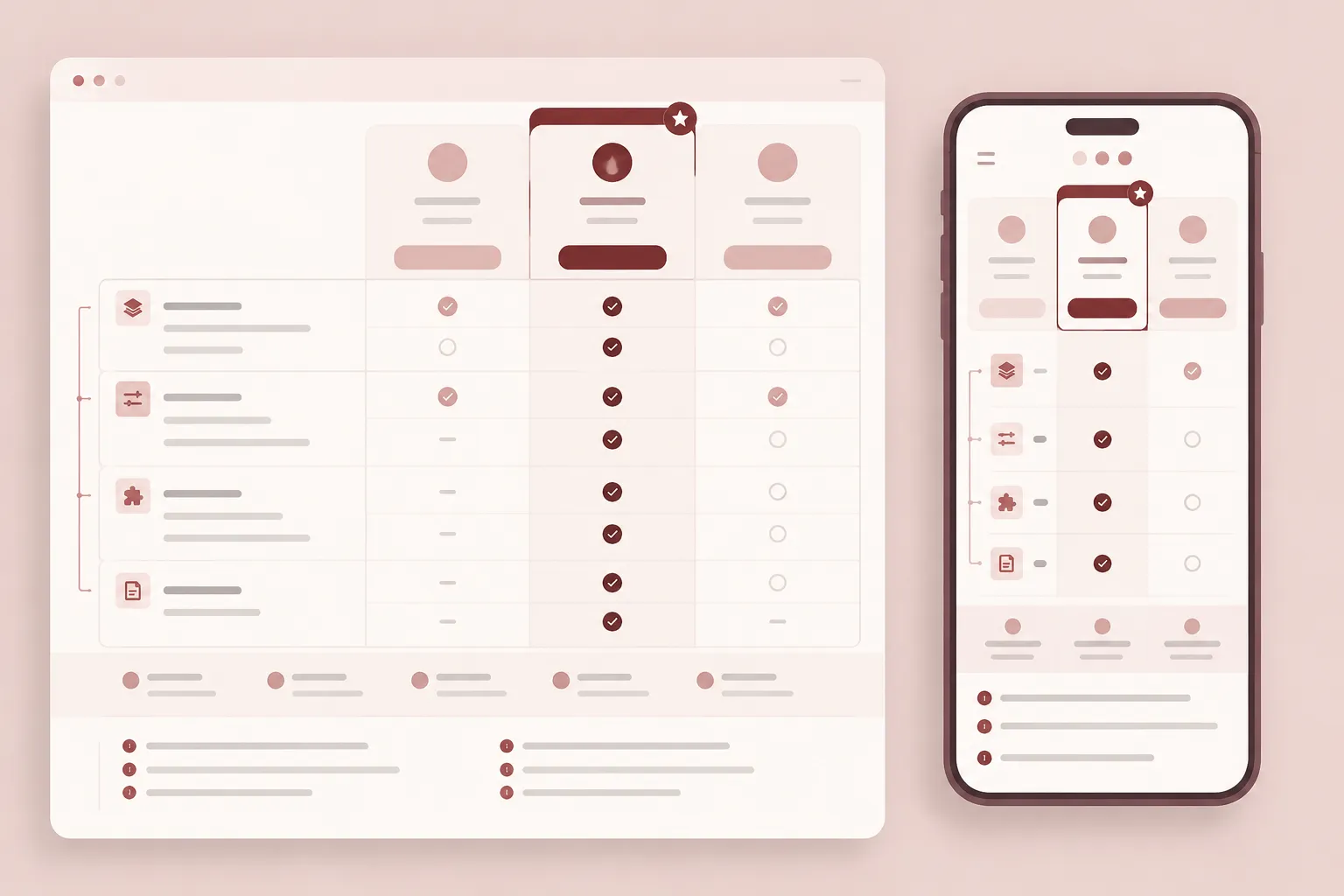
Give mobile its own comparison pass. Columns may stack, collapse, become tabs, or move into an accordion. Each pattern changes how a buyer connects a plan identity with a feature value.
- Plan identity remains visible.
- Row labels stay attached to the correct values.
- Included, unavailable, limited, metered, and conditional states remain distinct.
- Billing terms remain next to the relevant price.
- Add-on conditions remain connected to the capability.
- Footnotes are reachable from affected rows.
- Comparison does not require excessive memory.
- Interactive controls expose all relevant content.
Professional review material can provide heuristic prompts for inspecting mobile feature density. It does not establish a universally preferable mobile pattern or measured commercial effect. Review the information relationships, not only whether the table fits the viewport.
Keep Semantic and Accessibility Checks Separate
Use the Tables Tutorial as a reference for semantic row and column relationships. A broader accessibility review should inspect whether column headers identify plans, row headers identify capabilities, icons have text equivalents, color is not the only state signal, controls expose their state, and mobile changes retain essential comparison information.
These checks support a practical publishing review. They do not, by themselves, establish formal conformance or legal status.
Assemble the Brief-Ready Handoff
- Comparison scope: State which plans, billing modes, add-ons, and buyer roles the page covers.
- Buyer-question groups: List the decisions the page must support.
- Feature-row inventory: Record the label, question, relevance, entitlement logic, state, exception, and source.
- Page placement: Assign each item to summary cards, the main table, expanded detail, an FAQ, an add-on block, a footnote, or a procurement path.
- Visual requirements: Specify assets, annotations, trust cues, and alternative-text needs.
- Mobile treatment: Describe how plan identity, labels, states, billing terms, and exceptions remain connected.
- Publishing checks: List product, content, source-rights, semantic table, and mobile reviews.
This structure gives the next team enough information to act while leaving single-rule implementation questions to the relevant design or development brief.
Common Inventory Errors
Starting With Every Product Feature
A complete product catalog is not automatically a useful comparison. Begin with buyer questions and promote rows that resolve plan differences.
Using Checkmarks for Every State
Checkmarks hide limits and conditions. Define explicit states before choosing symbols.
Treating Page Wording as Product Documentation
Pricing pages can become outdated when packaging, billing, or entitlement rules change. Check visible claims against a maintained source.
Hiding Meaningful Conditions in Footnotes
Footnotes qualify details, but a condition that changes apparent plan value may need to sit beside the affected row or price.
Treating a Badge as Evidence
“Recommended,” “Most Popular,” and “best fit” are framing cues. Inventory their basis and placement.
Designing Desktop First and Shrinking Later
Responsive changes can separate plan identity from feature values. Create the mobile review while the row structure is still editable.
Assuming One Table Answers Everything
The main table, add-on block, FAQ, and deeper documentation can serve different inspection tasks. Connect them through the inventory.
Buyer Questions and Feature Row Inventory FAQ
What is a pricing comparison feature row inventory?
It is a planning record connecting buyer questions to visible feature rows, plan entitlements, display states, exceptions, source material, and publishing checks. It is broader than a feature list and earlier than a finished pricing table.
How should I prioritize rows in a SaaS pricing table?
Start with the questions buyers need answered while comparing plans. Then record which capabilities, limits, or conditions create meaningful differences. Prioritization remains a planning judgment; there is no universal row order or fixed row count.
Should every product capability appear in the comparison table?
No. Include capabilities that answer the page's comparison task. Place other details in deeper documentation, an FAQ, an add-on block, or another relevant location.
What should a feature comparison content audit check?
Check the row label, buyer question, plan difference, entitlement state, exception, billing relationship, source of truth, page placement, and mobile treatment. Confirm that visible wording matches the product definition.
How do I represent limited or metered access?
Use a consistent state system and explain the qualifying condition. Metered access should identify the relevant measurement and period when that information affects comparison.
Should annual and monthly pricing use separate rows?
That depends on the presentation and the purchasing distinction the buyer must understand. Record the billing mode, commitment, unit, and related condition. Do not present different billing expectations as the same offer.
How should add-ons appear in the inventory?
Record related plans, extended capability, dependency, measurement, price treatment, and source. Then decide whether the item belongs in a dedicated block, the main comparison, an FAQ, or a procurement path.
How can I review a pricing table on mobile?
Inspect the transformed layout rather than only its dimensions. Confirm that plan identity, row labels, cell states, billing terms, exceptions, and add-on conditions remain connected.
What makes an inventory brief-ready?
A brief-ready inventory names the buyer question, row, state, source, exception, page location, asset need, and mobile treatment. It also marks unresolved claims instead of presenting them as settled.
Final Publishing Review
- Confirm that each row answers a defined buyer question.
- Confirm that plan differences match the current product source.
- Confirm that all cell states are distinguishable.
- Confirm that billing and usage conditions are visible where needed.
- Confirm that exceptions are attached to the correct row, plan, or add-on.
- Confirm that broad labels have become inspectable capabilities.
- Review “Most Popular,” “best fit,” and similar cues as framing language.
- Record source-rights notes and alternative-text requirements for supporting assets.
- Review semantic row and column relationships.
- Run a dedicated mobile pass on the responsive or interactive version.
- Mark unresolved items for revision before final publishing.
The inventory is complete when a buyer question can be traced to a row, plan state, qualifying condition, and current source. The design then has a clear job: preserve those relationships across the page, supporting assets, and mobile experience.