
Unresolved Question Mapping and Routing
A pricing page open question audit starts with the buyer’s next comparison, not with a preferred layout. The practical question is simple: which page element should answer each unresolved concern?
A buyer may need to know what changes between tiers, whether a feature is included or an add-on, which usage limit applies, or what happens at the limit. They may also need a support route, a technical explanation, or a way to inspect the page on a narrow screen.
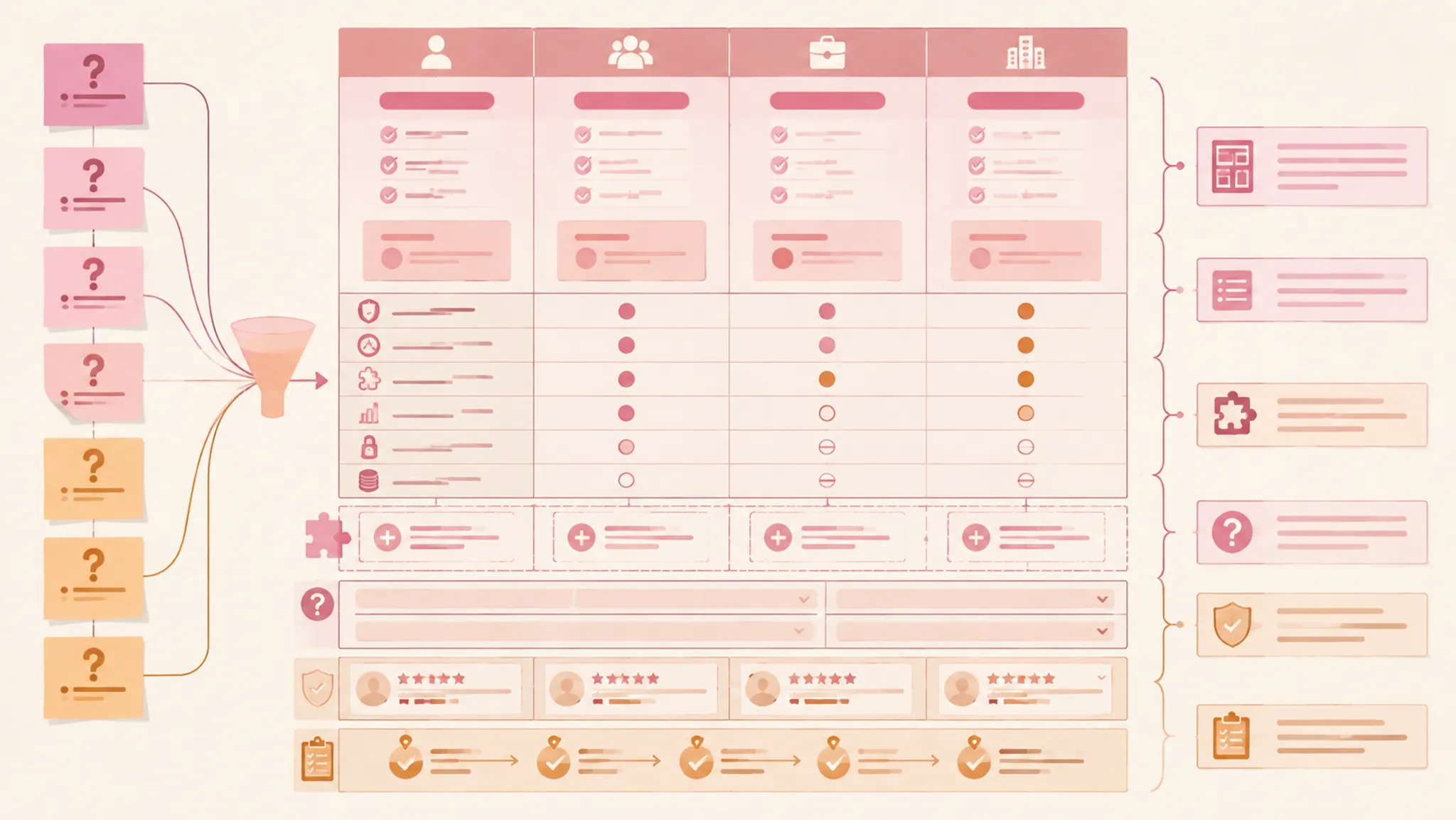
Route each question to one accountable owner: a plan column, feature row, add-on block, FAQ, supporting page, sales path, trust cue, source-rights note, or publishing review. The aim is not to place every answer in the pricing table. It is to give each question a visible and appropriate route.
More specific pages
These pages continue the topic in smaller, more specific directions.
Build the Buyer Comparison Question Inventory
Collect unresolved questions from the current pricing table, sales notes, support conversations, product limits, implementation material, and internal review comments. Remove duplicates, then group questions that describe the same decision.
Keep the wording close to the buyer’s language. “What is the maximum monthly usage?” gives the team a clearer inspection task than “clarify consumption architecture.”
| Field | What to capture |
|---|---|
| Buyer question | The unresolved question in plain language |
| Comparison moment | The page element where the question appears |
| Required answer | The smallest answer needed for the next decision |
| Page owner | The element responsible for showing or routing the answer |
| Review state | Open, draft, verified, blocked, or ready for publishing |
The inventory should expose missing decisions, not become a second content strategy. SaaS pricing research treats pricing as a wider set of plans, pricing factors, stakeholders, processes, and business conditions. That distinction matters because the same plan structure can support different buying situations.
A self-serve product may need immediate plan comparison. A specialist or enterprise-oriented product may need more explanation, qualification, or a sales route. Record the page context before assigning the answer owner.
Route Each Question by Page Responsibility
Use the visible page element to decide where the answer belongs. The route map below is a planning model for inspection, not a statement about commercial performance.
| Unresolved question | Primary owner | Secondary route |
|---|---|---|
| Which plan includes this feature? | Feature row | Plan detail or FAQ |
| What changes between tiers? | Comparison table | Short explanatory note |
| Is this capability an add-on? | Add-on block | Feature row and FAQ |
| What usage limit applies? | Plan column or limit row | Technical details page |
| What happens after the limit? | FAQ or limit note | Support or sales path |
| Does the price depend on usage, seats, or another measure? | Pricing summary | FAQ or calculator |
| Which plans require a conversation? | Plan column | Sales path |
| Who supports this plan? | Plan detail or trust cue | Support information |
| Can the buyer verify relevant business or security information? | Trust cue area | Supporting page |
| Does the table remain usable on mobile? | Mobile publishing review | Revised layout brief |
The primary owner should carry the answer far enough for the buyer to continue. A secondary route can provide depth without forcing every visitor into a long explanation.
Do not make the FAQ responsible for a comparison fact that the table can show directly. Do not make the table responsible for every technical condition either. Dense limits, exceptions, and time-window rules can obscure the plan comparison when they affect implementation more than initial selection.
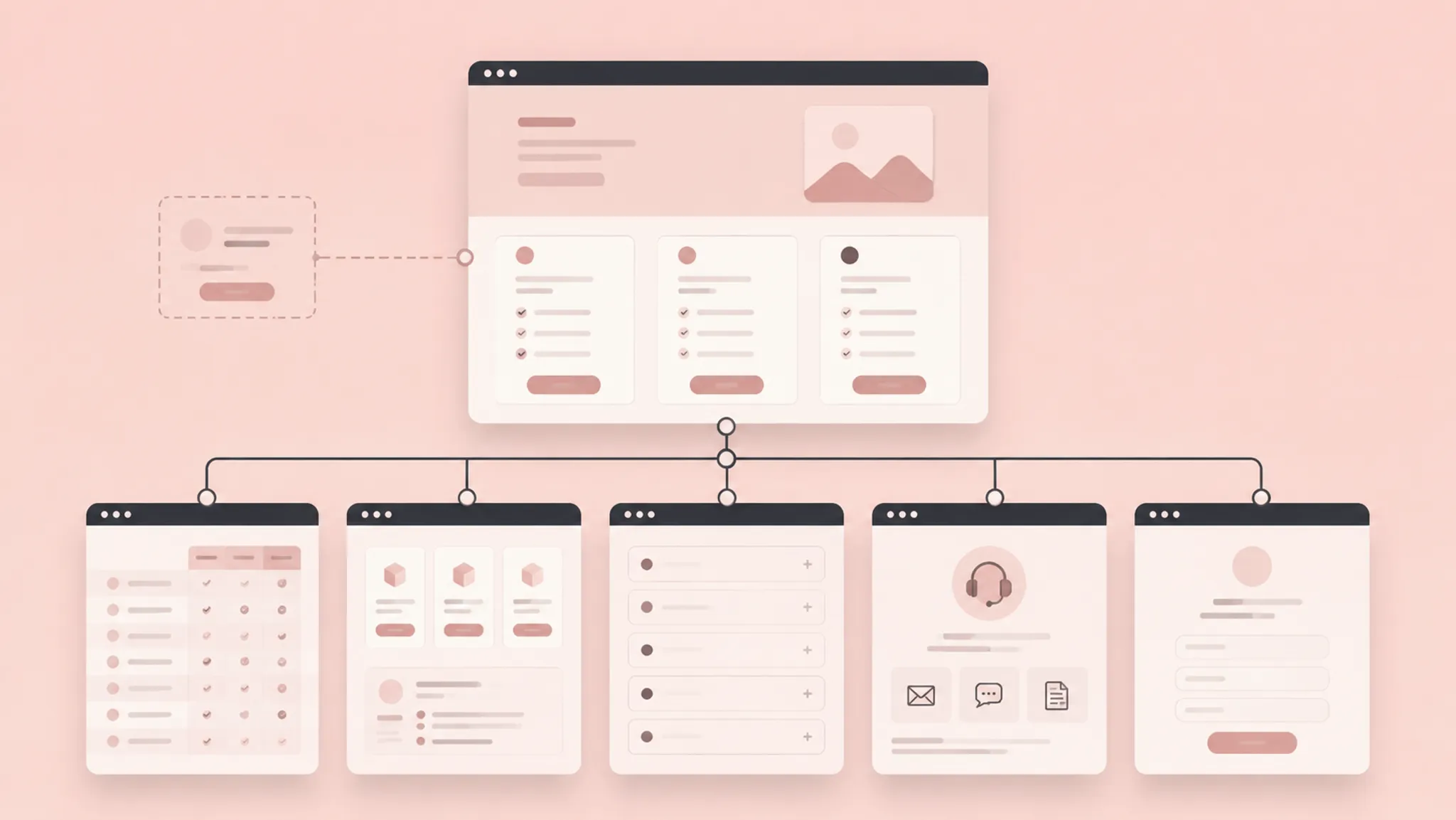
Separate Plan Comparison From Pricing Mechanics
Many questions appear to concern price but actually concern the pricing model. A buyer may be comparing the plan price, included features, billing unit, usage limit, add-on conditions, and route for negotiated arrangements at the same time.
Keep those concepts distinct. A plan column can show the headline price and primary billing unit. A feature row can show inclusion. An add-on block can explain optional or conditional charges. An FAQ can carry exceptions that would make the table difficult to scan.
Research on SaaS pricing describes several dimensions around pricing practice and context. Use that breadth as an audit boundary: the number beside a tier name is only one part of the buyer’s question.
Check the Pricing Unit
Ask what the buyer is actually comparing:
- Per user
- Per account
- Per workspace
- Per usage quantity
- Per time period
- A combination of fixed and variable components
Put the unit next to the price when it affects comparison. Burying it below the call to action can make two plan prices look equivalent while representing different obligations.
Check the Limit
Limits may involve quotas, rates, resources, or time windows. A structured API pricing model offers a bounded example of the questions involved: the relevant plan may specify request quantities, rates, resources, and periods. Use that distinction to inspect a SaaS page without turning the article into an API implementation guide.
- What is being measured?
- Over what period?
- Which plan does it apply to?
- What happens at the boundary?
- Is the answer needed before plan selection?
If the page cannot answer those questions yet, mark the item open. Do not replace a missing rule with vague language such as “flexible usage.”
Check the Add-On Boundary
An add-on should answer more than “available separately.” The buyer needs to understand what it changes, which plans can use it, whether it is optional or required, which billing unit applies, and where its detailed conditions are explained.
A compact add-on block can handle scope, eligibility, and the main distinction. The FAQ or supporting page can carry billing and implementation detail. Before publishing, reconcile the buyer-facing labels with the underlying plan definitions. Research about plan and add-on variability is a planning clue for that consistency check, not evidence that a particular visual treatment performs better.
Make Each Feature Row Carry a Decision
A feature row should help a buyer compare one capability across plan columns. It should not become a catalogue of internal product terminology.
- Can the feature name be understood without product context?
- Does inclusion differ meaningfully between plans?
- Does the row need a quantity, threshold, or qualifier?
- Would a checkmark hide an important condition?
- Does the item belong in the main table or a deeper comparison view?
“Included” may be insufficient when a feature changes by quota, volume, permission, or support level. Add a short qualifier when the distinction affects the plan choice.
Group related rows under useful categories, then keep category labels separate from individual feature claims. The buyer should be able to move from plan name to feature row without decoding an internal product structure.
When a feature needs explanation, route the question instead of repeating a paragraph across every column. A short row label, concise qualifier, and focused FAQ entry can preserve the comparison surface while carrying the necessary context.
Decide When the FAQ Owns the Question
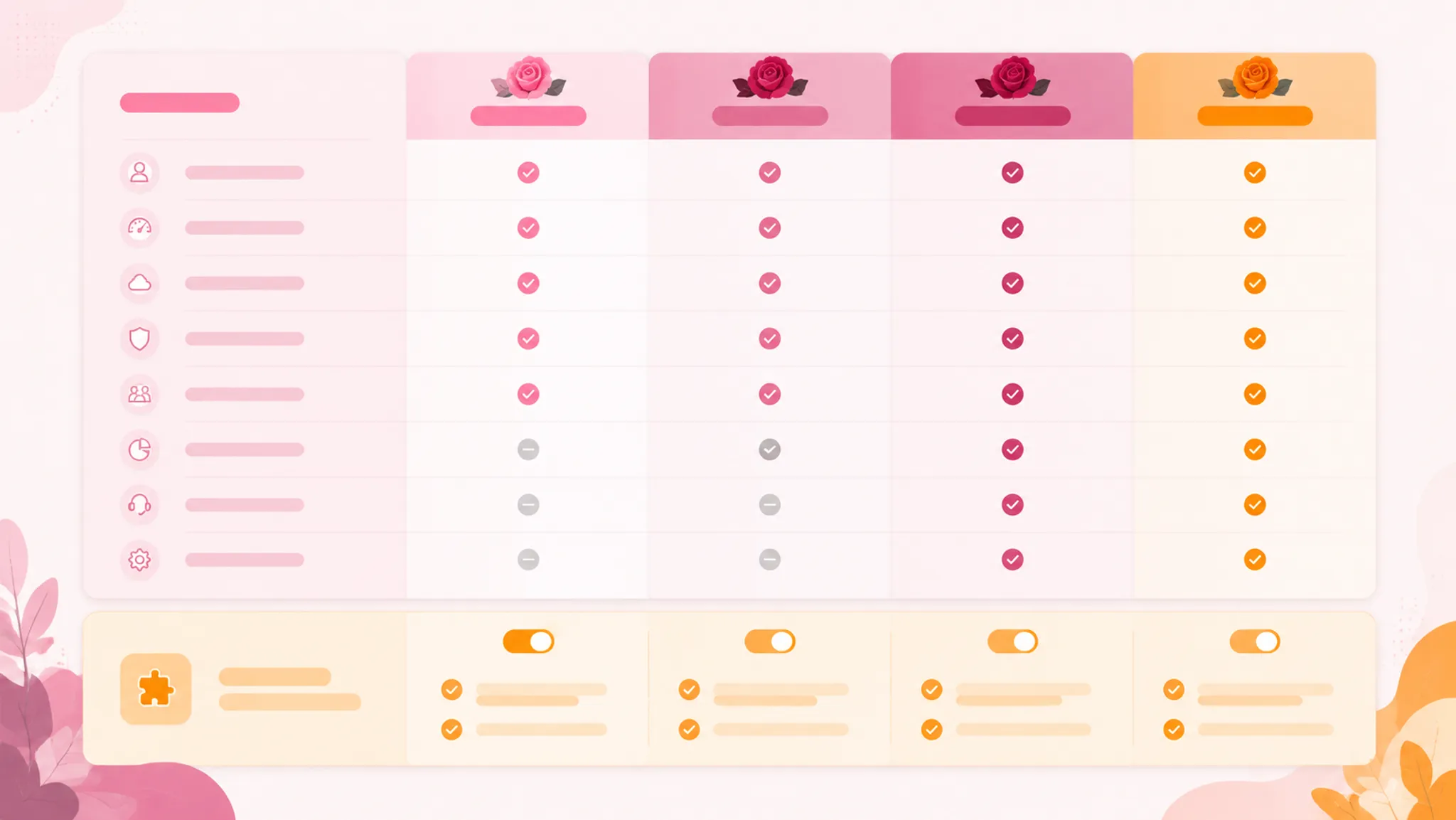
FAQ content ownership fits a recurring, explanatory, or cross-plan question. It is a poor location for basic comparison data that belongs directly in the table.
Route a question to the FAQ when:
- The answer applies to more than one plan.
- The answer needs a short explanation rather than a single value.
- The question concerns billing, limits, setup, cancellation, or support conditions.
- Putting the answer in the table would make comparison difficult.
- The question connects several page sections.
- The answer needs a route to technical or sales information.
Each FAQ entry needs an accountable answer, a stable destination, and a review state. Use the direct question as the heading, then answer the decision before adding context.
For “What happens when usage reaches the plan limit?”, the answer should state the boundary, identify the affected capability, explain the next available route, and point to deeper information where needed.
B2B content research describes FAQ work as a way to gather questions, serve multiple audiences, and connect readers with related material. That supports FAQ routing as an information-architecture decision. It does not establish that a particular FAQ layout produces a business result.
Keep One Source of Truth
If the same condition appears in the table, add-on block, and FAQ, compare the wording before publishing. Small differences can make one plan appear to follow another rule.
Assign one source of truth for the underlying condition. Other elements may repeat a cue or route the reader, but they should not introduce competing definitions.
Use Visual Assets to Clarify the Route
A visual asset belongs in the route map only when it answers a question that text or table structure does not resolve efficiently.
- Show how plan features relate.
- Explain an add-on boundary.
- Illustrate a workflow difference.
- Group a complex feature hierarchy.
- Support an FAQ about setup or usage.
- Make a trust cue easier to inspect.
Each asset brief should identify the unresolved buyer question, exact page section, required information, information the asset must not imply, dimensions or layout constraints, alternative-text requirement, source-rights status, owner, and review state.
An illustration should not imply capabilities absent from the relevant plan column. A product screenshot should not show a workflow unavailable to the advertised tier. For an FAQ illustration, write the answer first and add an image only when it clarifies a condition, sequence, or distinction.
Discovery is not rights verification. Keep the source-rights note attached to the asset brief until its status is recorded. Formal rights conclusions depend on the source terms and the actual use.
Route Trust Questions to Observable Cues
Trust questions often get mixed with feature questions, but they need a separate inspection lane. A website trustworthiness framework groups possible evaluation areas around design features, corporate information, business-process transparency, customer support, security features, and legal support.
Use those categories to identify unanswered questions, not to assign a performance promise to a badge or page treatment. Ask what the page needs to show:
- Who is responsible for the product information?
- How can a buyer obtain support?
- Where is relevant security information explained?
- Which business or service details matter to the purchase?
- Where are important terms or conditions described?
- Is the pricing explanation internally consistent?
A trust cue should be specific enough to inspect. “Trusted by teams” does not answer a support, security, or plan-responsibility question. A labeled support route or clearly placed information reference may be more appropriate, depending on the page context.
Do not use trust language as a substitute for missing pricing information. A badge cannot resolve an unclear limit, and a logo strip cannot explain an add-on.
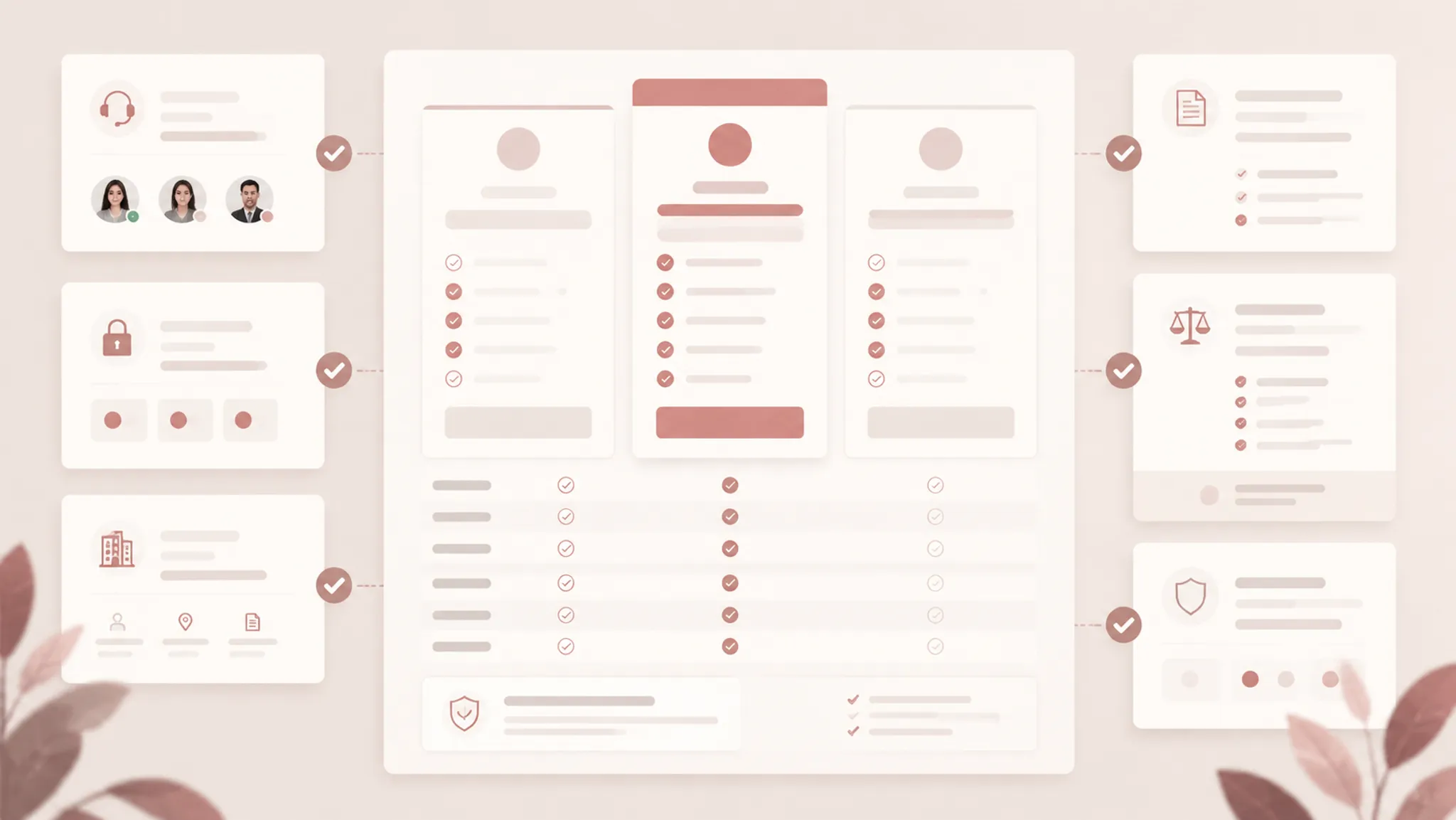
Run a Mobile Pricing-Table Review
A desktop table can show several plan columns together. A mobile pass changes the comparison task because the reader may see one column, feature group, or horizontal segment at a time.
- Can the plan name remain associated with its price?
- Can the billing unit stay visible?
- Are feature labels connected to the correct values?
- Does horizontal movement preserve column context?
- Are add-on conditions distinct from included features?
- Does a collapsed section hide a question needed early?
- Can FAQ headings be scanned without excessive expansion?
- Do buttons, labels, and cells remain readable?
- Does each visual asset retain its intended explanation?
Do not assume that a responsive transformation preserves meaning. A stacked card layout can separate the feature label from the plan comparison. A horizontally scrolling table can preserve structure while making differences harder to inspect.
| Check | Result |
|---|---|
| Plan identity remains visible | Pass or revise |
| Price and billing unit stay paired | Pass or revise |
| Feature row labels remain unambiguous | Pass or revise |
| Add-on conditions remain visible | Pass or revise |
| FAQ route remains discoverable | Pass or revise |
| Asset labels and alternative text remain accurate | Pass or revise |
| Source-rights note is complete | Pass or revise |
This is a page inspection, not a formal accessibility assessment. A formal review has its own standards, scope, and testing process.
Test the Route With a Worked Pass
Suppose a page contains three plans, a feature comparison table, two add-ons, and an FAQ section. The audit finds four unresolved questions:
- Does advanced reporting exist in the middle plan?
- Is the higher usage allowance included or purchased separately?
- What happens when the allowance is exceeded?
- Does the enterprise plan include a named support route?
Route the first question to the feature row because it is a direct inclusion comparison. Route the second to the add-on block if the allowance is purchased separately. Route the third to the FAQ because it requires a boundary explanation. Route the fourth to the enterprise plan area, with a support or sales route where appropriate.
Then inspect the page as one connected system. If the feature row and FAQ use different labels, revise the terminology. If the add-on uses a monthly quantity while the plan column uses a per-user quantity, clarify the units. If the mobile layout hides the add-on block below the purchase action, reconsider the route.
The audit is complete when every question has an answer owner, a verified wording path, and an observable publishing check.
Correct Common Routing Errors
Putting Every Question in the Table
This produces wide cells, repeated qualifiers, and weak scan paths. Keep direct plan differences in the table, then route conditions and explanations elsewhere.
Using the FAQ to Hide Missing Comparison Data
An FAQ cannot replace an absent feature row when the buyer needs a side-by-side answer. Move the essential comparison back into the table.
Treating Add-Ons as Footnotes
An add-on can change the practical meaning of a plan. Give it a visible block with eligibility, scope, and pricing-unit questions assigned.
Using Visual Hierarchy as the Only Explanation
Larger type and color can signal importance, but they cannot define an unclear billing rule. Pair emphasis with explicit labels.
Skipping the Mobile Pass
A layout that works in a wide viewport may separate labels, prices, and conditions when collapsed. Review the actual narrow arrangement before publishing.
Treating a Found Image as a Ready Asset
Discovery is not rights verification. Keep the source-rights note attached to the asset brief until its status is recorded.
Turn the Audit Into a Brief-Ready Route Map
The final route map should be short enough for product, marketing, design, content, and engineering teams to review together. Include the unresolved question, buyer decision, responsible page element, supporting route, required copy or visual asset, pricing terminology to verify, mobile behavior to inspect, source-rights status where relevant, owner, and review state.
Use three review labels:
- Open: The question is known, but no accountable answer exists.
- Draft: An answer exists, but pricing, product, or publishing details require verification.
- Ready: The answer, route, asset requirements, mobile behavior, and ownership are recorded.
A useful route map does not promise a particular business outcome. It shows where uncertainty remains and gives the team a concrete next inspection.
Before publishing, compare the route map against the live page. Check the plan columns, feature rows, add-on blocks, FAQ answers, trust cues, visual assets, source-rights notes, and mobile arrangement as one information system.
A pricing page is ready for the next review when each unresolved buyer question can be traced to one clear answer owner, one appropriate route, and one observable publishing check.
Sources
- Bridging the state-of-the-art and the state-of-the-practice of SaaS pricing: A multivocal literature review
- Evaluation of website trustworthiness from customer perspective, a framework
- Pricing4APIs: A rigorous model for RESTful API pricings
- SaaS Pricing Practices Typology: A Case Study
- Content marketing for B2B technology companies: challenges and indications of successful strategies