Trust Cues and Evidence Records
A pricing page can place a customer logo, privacy cue, security statement, review mark, payment symbol, or assurance badge beside a plan. The visible element may look self-explanatory, but a buyer comparing plans still needs to know which claim it supports, who supports that claim, and where its scope ends.
That is the purpose of a pricing trust cue evidence inventory. It connects each visible cue to a specific claim, source record, usage status, limitation, and fallback state across the pricing table, add-on blocks, FAQ assets, and mobile layout.
The task is not to collect the largest set of trust cues. It is to make each one inspectable.
More specific pages
These pages continue the topic in smaller, more specific directions.
What an Evidence Record Does
An evidence record is an internal planning entry for one visible cue and the claim associated with it.
For example, a plan column might include a privacy mark near a payment note. The record should identify the exact visible wording, the source behind it, the source scope, and what appears if the graphic or verification path is unavailable.
A useful record answers six questions:
- What is visible on the page?
- What claim might it appear to support?
- What document, data, or source supports that claim?
- Who issued or maintains the supporting source?
- What does the source cover, and what does it leave outside scope?
- What will the buyer see if the cue cannot load or be inspected?
Research on trust-assuring arguments has examined how claims, supporting grounds, and relevance explanations work together in online stores. The available material does not directly validate SaaS pricing-page outcomes. Use it to set a reasoning boundary, then use the page itself as the review surface.
Start With the Buyer’s Comparison Task
A trust cue matters in relation to the decision happening around it. Before selecting an asset, record what a buyer comparing plans is likely trying to determine:
- Whether a feature appears in every plan or only one tier
- Whether an add-on carries a separate condition
- Whether a payment or privacy statement applies to one transaction step or the broader service
- Whether a customer logo represents a current relationship, a past relationship, or a general category
- Whether a badge describes the provider, payment flow, product, or external assessment
- Whether a guarantee or support statement applies equally across plans, terms, and billing options
Begin with the table, not the asset folder. Record where each cue appears and what the adjacent plan content may cause the buyer to infer.
A cue beneath every plan column can look like a plan-level condition. The same cue below the table may read as a page-wide statement. Neither placement proves the intended scope, so the evidence record should state that scope for the content, design, and publishing teams.
Map the Cue to the Claim
| Visible page element | Claim to identify | Comparison question | Record requirement |
|---|---|---|---|
| Customer logo row | What relationship or usage statement is being made? | Does the logo relate to the service or a particular plan? | Source, permission status, date, and scope note |
| Privacy cue | What privacy-related statement is shown? | Does it apply to account creation, payment, or the broader service? | Issuer, covered process, verification path, and limitation |
| Security statement | What specific protection is described? | Is the wording shared by all plans and paths? | Exact wording, supporting source, and review owner |
| Review or rating mark | What is being represented? | Is the mark current and attributable to a named source? | Source, date, display conditions, and fallback text |
| Payment symbol | What payment availability is shown? | Does it apply in every relevant region, plan, and checkout path? | Product or checkout scope and current asset status |
| Guarantee language | What condition is being described? | Does it apply to every tier, term, or billing option? | Exact terms source and limitation note |
| Assurance badge | What has been assessed, and by whom? | Is the cue relevant to the buyer’s current concern? | Issuer, scope, date, permitted use, and destination |
This table is a planning device. It does not show that a cue produces a particular buyer response.
Separate the Cue From the Claim
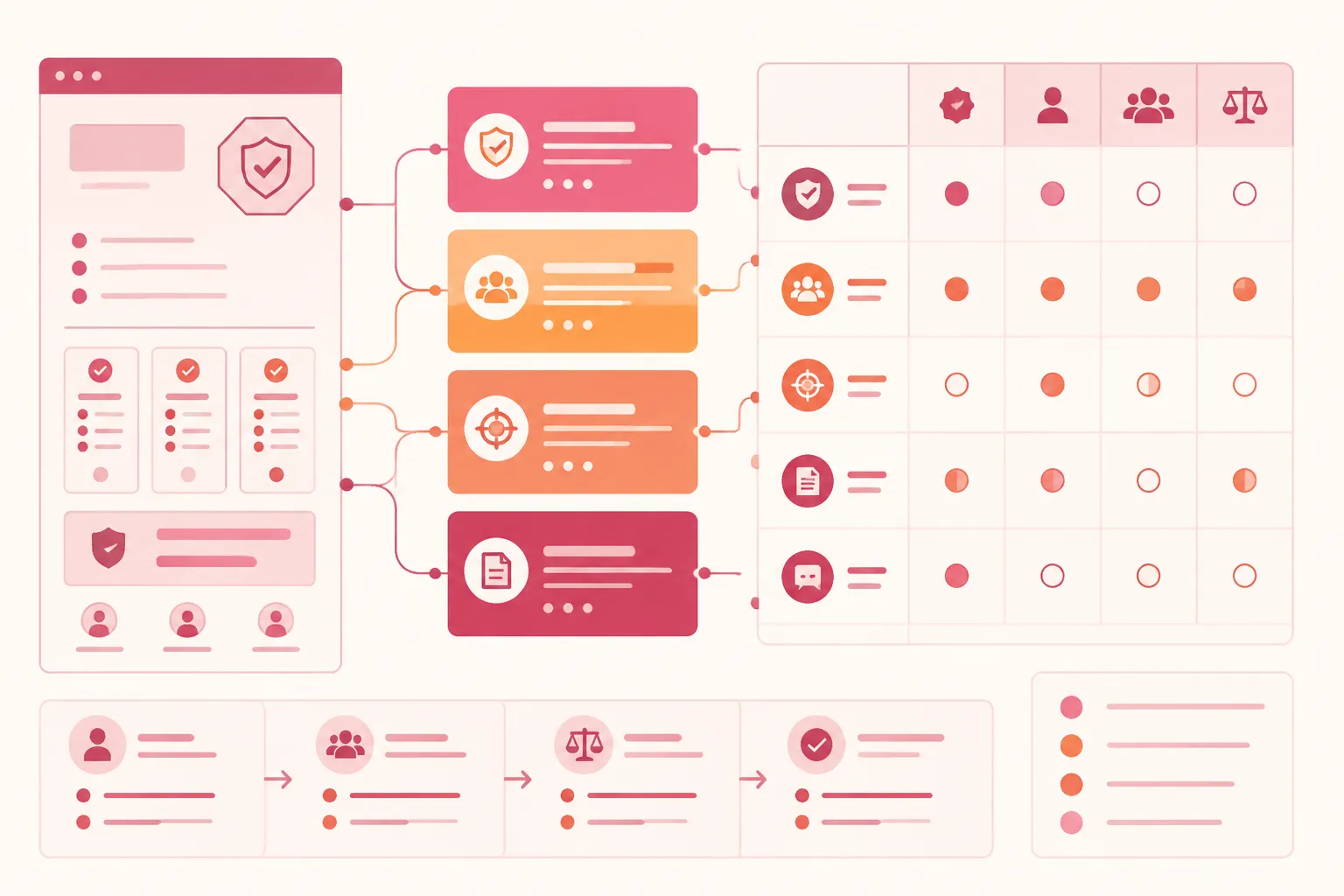
A common pricing-page error is treating a graphic as if it carries its own complete meaning. A badge may suggest assurance, but the buyer still needs to know what it names, what process or subject it covers, when the information was current, and what it does not establish.
The same distinction applies to customer logos and review marks. A logo can identify a customer or user group without substantiating every quality statement near it. A rating mark can identify a source without supporting a broad claim about plan value or product performance.
Write the claim in plain text before choosing the visual cue. If the team cannot state the claim without the graphic, the cue is not ready for the pricing page brief.
Use Precise Claim Mapping
Weak record: Security badge beside the pricing table.
Brief-ready record: A security assurance mark appears beneath the billing note. The associated claim concerns the stated billing process only, unless the supporting source says otherwise. The source, current usage status, and fallback label require review.
The second record gives the layout team something to place and the publishing team something to verify. It also prevents the badge from carrying a broader meaning than the evidence supports.
Organize the Pricing Trust Cue Inventory
Group cues by the decision they support. A long asset list can become a substitute for page review unless each group is tied to plan comparison.
Plan-Level Cues
These appear inside a plan column, beside a plan-specific feature, or near an add-on price. Record whether the cue applies to one plan, several plans, an add-on, a billing interval, a payment method, or a condition shown elsewhere.
Proximity creates interpretation pressure in the table. A buyer may connect a cue to the nearest price, feature row, or button even when the statement is intended to apply globally. Test the placement against the actual comparison path.
Page-Wide Cues
These appear above or below the table and may describe the service or buying process generally. A page-wide cue still needs a defined scope. “Applies to all plans” is different from “appears once on the page.” Record the intended relationship so responsive reordering does not place the cue beside one plan and change its apparent meaning.
Add-On Cues
An add-on block may contain its own privacy, support, payment, usage, or customer evidence. Do not assume that a cue used in the main table also covers the add-on.
Record the add-on name, the associated condition, whether the main plan terms apply, any separate source, and the visual relationship between the add-on and the base plan. The add-on graphic should clarify the decision, not introduce an unrecorded assurance statement.
FAQ Cues
FAQ illustrations and icons can sit beside answers about billing, support, account handling, or payment. Connect each visual to the exact answer text so that the image does not quietly expand the claim.
If the asset disappears, the answer should still communicate the relevant condition. That is both a content check and a fallback check.
Build the Source Record
A source record gives the team enough information to review a cue before publishing. It does not turn an internal note into external authority.
| Field | What to record |
|---|---|
| Cue ID | A stable label used in the page brief |
| Page location | Table header, plan column, feature row, add-on, FAQ, or footer |
| Exact visible claim | The wording shown to the buyer |
| Cue type | Logo, badge, rating mark, payment symbol, statement, or icon |
| Source or issuer | The named source associated with the claim |
| Evidence attached | Document, source page, record, or internal reference |
| Evidence scope | The process, product, plan, date, or condition covered |
| Verification destination | Where a reviewer can inspect the source |
| Usage status | Draft, pending review, ready for layout, ready for publishing, or hold |
| Review date | When the record was last checked |
| Limitation note | What the cue does not establish |
| Alt text or fallback | What appears when the visual is unavailable |
| Owner | The team or role responsible for the next check |
Keep the exact visible wording. Small changes can change scope. “Payment details are handled through…” is narrower than wording that suggests the entire service has the same protection.
Check Relevance, Scope, and Currency
A source can be relevant without covering the claim currently shown. Separate these checks:
- Existence: Is supporting material available?
- Relevance: Does it address this exact claim?
- Scope: Which process, plan, product, or period does it cover?
- Currency: Is it still appropriate for this page version?
- Presentation: Can the buyer understand what is being represented?
Research on assurance cues supports inspecting this fit. It does not establish that a badge belongs in every context or that the same cue has the same effect for every audience.
Review Badges, Logos, and Assurance Language
Certification Badge Usage Record
A certification badge usage record should include more than an image file and a destination. Check that the badge name is accurate, the issuer is identified, the covered subject and relevant date are recorded, and the planned placement matches the source scope.
Also check that the wording does not broaden the original claim, the visual can be replaced with meaningful text, the destination explains the cue, and the source-rights note covers the intended use.
Available research describes assurance cues as context-dependent. Treat that as a reason to inspect relevance and scope, not as a basis for predicting a business result.
Customer Logos
Map each customer logo to the exact statement it supports. Clarify whether it identifies a customer, integration, partner, or example; whether the relationship is current for the intended use; and whether the logo belongs beside the whole service or one plan.
Review the surrounding copy as well. A group of logos near a broad statement can create a stronger inference than any individual logo supports. The record should state what text remains if the logo is hidden.
Privacy and Security Cues
Privacy and security language often carries more scope than a small icon can communicate. Tie the statement to the process it describes, such as account registration, payment handling, data storage, product access, support communication, or a specific service path.
Research on privacy signals and online trust provides context for treating privacy assurance as a distinct cue. It does not establish a universal pricing-page rule or a conclusion about a particular service. Add a limitation note when the cue could be read more broadly than its source supports.
Plan the Fallback and Mobile State
A trust cue is incomplete until its unavailable state has been planned. The fallback should identify the visible function without repeating an unsupported promise.
Depending on the cue, that may mean a concise text label, the issuer and cue type, a destination label describing the verification path, a neutral placeholder while the source is under review, or removal of the cue when its meaning cannot be represented accurately.
Do not leave an image carrying the only explanation of a claim without an equivalent text path. Avoid repeating the same wording in alt text, nearby copy, a tooltip, and a link label unless each repetition serves a distinct purpose. These are practical publishing checks, not a determination of formal conformance.
Run the Mobile Pass
- The cue remains beside the claim it supports.
- The badge does not appear to belong to the nearest plan column by accident.
- Fallback text does not push prices or buttons out of alignment.
- The source or verification path remains identifiable.
- The cue does not disappear while its related claim remains visible.
- The collapsed or horizontally scrolling table preserves the intended relationship.
- Add-on and FAQ assets remain connected to their explanatory text.
A desktop placement can become ambiguous after stacking or reordering. Review meaning, grouping, and claim association during the mobile pass, not only spacing.
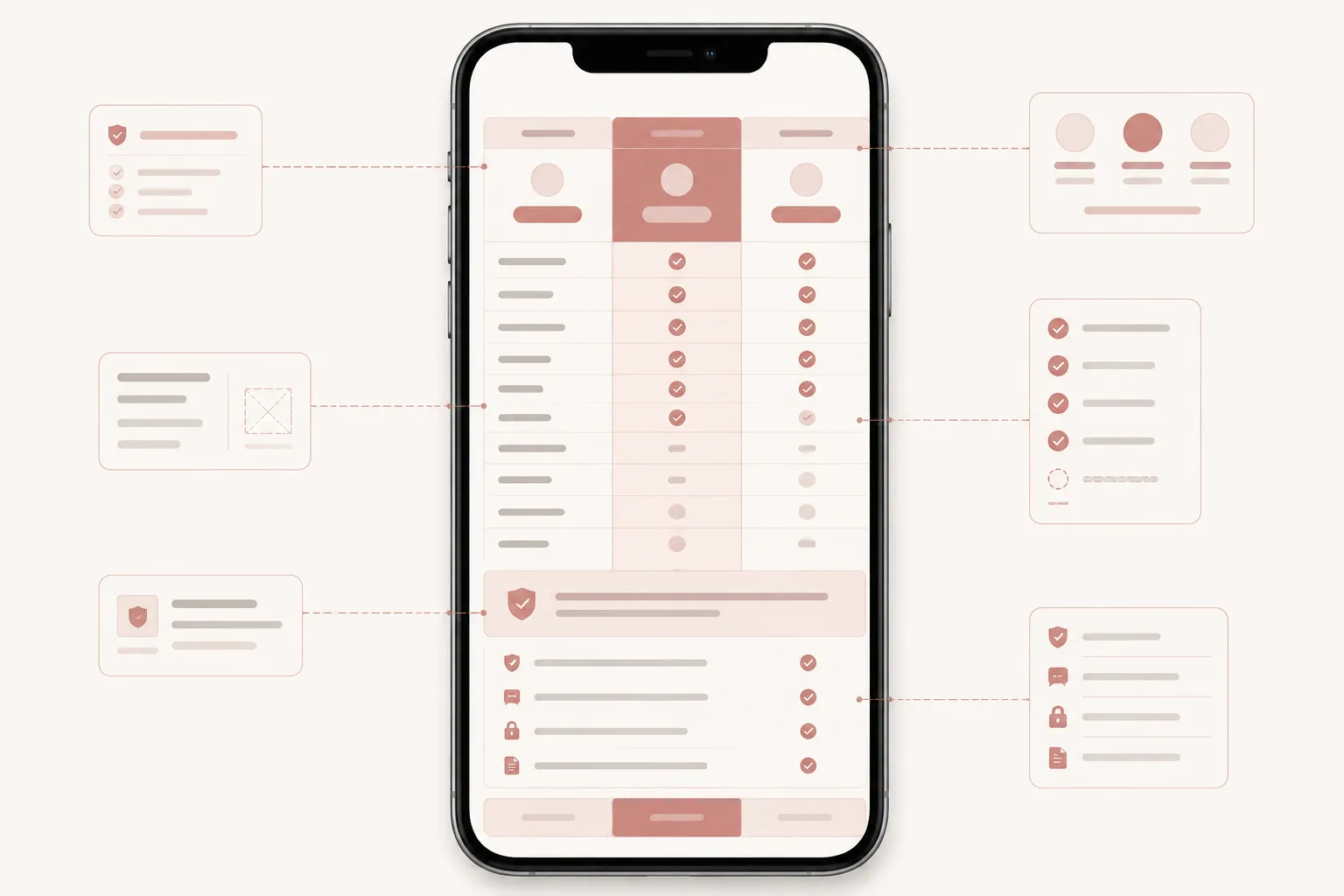
Use a Cue Claim Mapping Workflow
- Mark every visible cue.
Review the table header, plan columns, feature rows, billing controls, add-on blocks, FAQ sections, customer evidence, payment and privacy areas, and footer statements. Record location before interpretation.
- Write the associated claim.
Describe what a buyer might believe the cue supports, then compare that sentence with the intended copy. If the inferred claim is broader, revise the wording or placement.
- Attach supporting evidence.
Add the source, issuer, document, or internal reference. Note its date and scope. When suitable support is unavailable, mark the cue pending rather than strengthening the wording.
- Add the limitation note.
State what the evidence does not establish. For example, it may apply to the payment process rather than every product operation, identify a customer relationship rather than a plan feature, or cover a stated period rather than an indefinite status.
- Plan the unavailable state.
Specify the alt text, fallback label, broken-image behavior, and verification path. Review the cue in its missing state as well as its normal state.
- Run the mobile pass.
Compare desktop and mobile layouts. Confirm that placement, scope, labels, and fallback behavior remain understandable for a buyer comparing plans.
- Assign publishing status.
Use workflow statuses such as Draft, Pending review, Ready for layout, Ready for publishing, and Hold. These describe readiness; they do not certify the underlying claim.
Common Misunderstandings
A Visible Badge Is Evidence by Itself
A badge is a cue. The record must explain what it represents, which source supports it, and what remains outside scope.
A Third-Party Source Always Carries More Weight
A third-party source may be relevant, but relevance depends on the claim, context, and scope. Record why it applies instead of using its presence as a shortcut.
A Customer Logo Supports the Whole Pricing Page
A logo may support a customer relationship statement. It does not automatically substantiate feature availability, plan value, security, or service quality.
One Privacy Statement Covers Every Plan
Plans, billing paths, and add-ons may differ. Map the statement to the process and scope actually described.
Mobile QA Only Checks Whether the Table Fits
A table can fit while the cue’s meaning changes. Inspect proximity, grouping, fallback text, and claim association during the mobile pass.
More Trust Cues Make the Page Easier to Trust
The supplied research does not support a universal quantity rule or a guaranteed buyer response. Additional cues can create more records, scope questions, and visual ambiguity. Add a cue only when its claim and supporting material are clear.
A Brief-Ready Evidence Record
Use this structure in a content or design brief:
- Cue ID
TC-04- Location
- Below the billing note, outside individual plan columns
- Visible cue
- External assurance mark
- Exact claim
- Narrow statement describing the covered billing or account process
- Buyer task
- Determine whether the statement applies to the selected plan and payment path
- Supporting source
- Named issuer and internal source reference
- Evidence scope
- The process and period described by the source
- Verification destination
- Source explanation or review path
- Limitation note
- Does not establish broader service, plan, or performance claims
- Fallback
- Text label identifying the cue and its covered scope
- Mobile check
- Confirm that the cue remains associated with the billing note after table collapse
- Usage status
- Pending scope and usage review
- Owner
- Publishing or review role assigned by the team
This is a planning format. It does not establish that the cue suits a particular page until the source and intended use are reviewed.
Before Publishing
- Every visible trust cue has a cue ID and one exact claim.
- The claim’s scope, supporting evidence, and review date are recorded.
- The issuer or source is not implied beyond what the record states.
- The verification destination is clear.
- The source-rights note is present where an external visual is used.
- The limitation note prevents a broader reading.
- Alt text or fallback behavior is specified.
- The cue remains meaningful when the visual fails.
- Plan-level and page-wide cues remain visually distinct.
- Add-on and FAQ assets do not introduce unrecorded claims.
- The mobile pass preserves grouping and meaning.
- Unresolved cues have a publishing status.
Ask one final question: can a reviewer move from the visible cue to its claim, source, scope, limitation, and fallback without guessing?
If not, revise the evidence record before revising the artwork.
What This Page Can Establish
A structured evidence record can make a pricing page easier to inspect and easier to brief. It can expose where a badge, logo, privacy cue, or assurance statement lacks a clear claim connection.
The available research is indirect. It discusses trust arguments, assurance cues, privacy signals, source interpretation, and price context, but it does not directly validate SaaS pricing-page inventories, mobile comparison behavior, badge usage rights, formal accessibility conformance, current security status, buyer comprehension, conversion, or revenue outcomes.
Use the record to document what is visible, what supports it, what it covers, and what remains uncertain. Obtain topic-specific authoritative sources and run observable QA checks before making stronger statements about rights, accessibility, security, compliance, or current external status.
A brief-ready trust cue is the one whose claim, evidence, scope, limitation, and fallback remain clear while a buyer compares plans.
Sources
- The Effects of Trust-Assuring Arguments on Consumer Trust in Internet Stores: Application of Toulmin's Model of Argumentation
- The Contingent Effects of IS Certifications on the Trustworthiness of Websites
- Trust-Assuring Arguments in B2C E-commerce: Impact of Content, Source, and Price on Trust
- No Free Lunch: Price Premium for Privacy Seal-Bearing Vendors
- Interaction between extrinsic and intrinsic online review cues: perspectives from cue utilization theory
- Effectiveness of Marketing Cues on Consumer Perceptions of Quality: The Moderating Roles of Brand Reputation and Third-Party Information
- Evaluation of website trustworthiness from customer perspective, a framework
- The Interactions of Customer Reviews and Price and Their Dual Roles in Conveying Quality Information